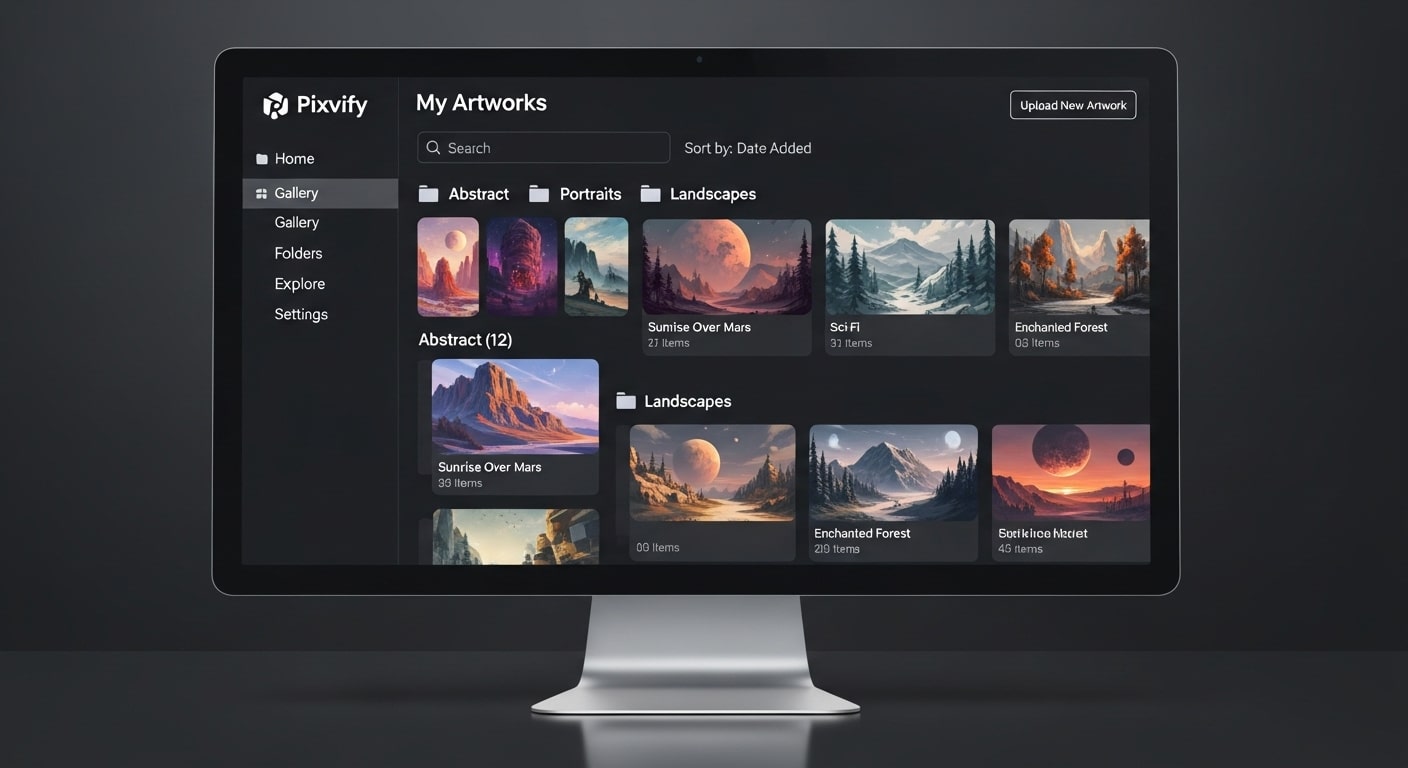
Artificial intelligence is now changing how people create and share visuals online. Pixvify is becoming one of the most popular tools for this because it helps users make designs improve photos and imagine new kinds of art without needing advanced skills. Anyone who wants to explore AI image generation or digital creativity can use Pixvify to bring their ideas to life in just a few seconds. It feels easy natural and fun for both beginners and professionals.
Pixvify is made for everyone. It understands your words and turns them into beautiful visuals. You can create posts edit images or test new styles without downloading heavy software. Many users say Pixvify is not just an app; it’s a creative partner that understands your words and turns them into 4K reality in seconds.
What Is Pixvify and Why It Is Becoming So Popular?
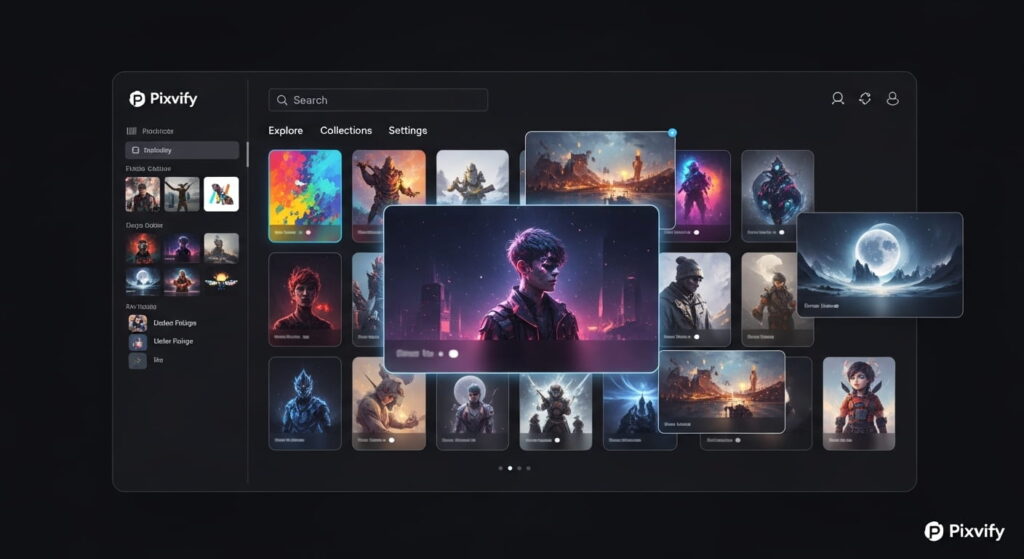
Pixvify is an online platform that uses artificial intelligence to make and modify images and art. You simply write what you want and the AI creates a matching visual. The idea is simple but the results are powerful. People love sharing their creations online which is why Pixvify is growing fast among digital creators.
The reason for its massive popularity in the AI Tool category is its focus on Texture Fidelity. While many tools make images that look “plastic,” Pixvify focuses on the fine details skin pores, fabric weaves and natural lighting.
It removes the “skill barrier.” You no longer need to spend years learning Photoshop; you simply need to describe your vision. Many users compare it with other AI art tools but find Pixvify more stable and easier to use for everyday creativity.
How Pixvify Works in a Simple Way?
At its core, Pixvify runs on Latent Diffusion Models. When you type a prompt, the AI doesn’t “search” for an image; it constructs one from “noise.” It reads your description, understands the relationship between objects (like how a “sun” should create a “shadow” on a “tree”), and builds the visual piece by piece.
Because it operates on high-speed cloud servers you don’t need a powerful computer. The AI learns from millions of datasets meaning it keeps improving. The more people use it the “smarter” the artistic outputs become.
The Core Pillars of the Pixvify Ecosystem
Hyper-Realistic Photo Generation
Pixvify’s proprietary models excel at Texture Fidelity. In 2026, most AI tools struggle with the “uncanny valley” the slight fake look in human eyes or skin. Pixvify uses a dual-pass rendering system that ensures skin pores, fabric textures and lighting reflections look 100% authentic.
Precision Face Swapping & Animation
One of the most searched features of Pixvify is its Face Swap tool.
- The Technology: Unlike older “deepfake” apps, Pixvify uses Neural Alignment to ensure the swapped face matches the bone structure and lighting of the original photo.
- The 2026 Update: Pixvify now allows for Live-Expression Animation, where you can animate the swapped face to speak or smile with a single click.
The AI-Native Photo Editor
Instead of traditional sliders, Pixvify uses Semantic Editing. You don’t “crop”; you tell the AI to “Expand the background into a cyberpunk cityscape,” and it uses Generative Outpainting to fill the space seamlessly.
Main Features That Make Pixvify Special
Pixvify gives you many creative tools. You can create new images from text improve old ones remove backgrounds or apply special effects. These tools make it useful not only for artists but also for marketers and small business owners who need visuals every day.
- Style Mixing: You can blend two contradictory styles—like “Vintage 1950s Photography” mixed with “Cyberpunk Neon”—and get a balanced unique result.
- Semantic Editing: You can change specific parts of an image (like changing a shirt color) just by clicking and typing, rather than manual brushing.
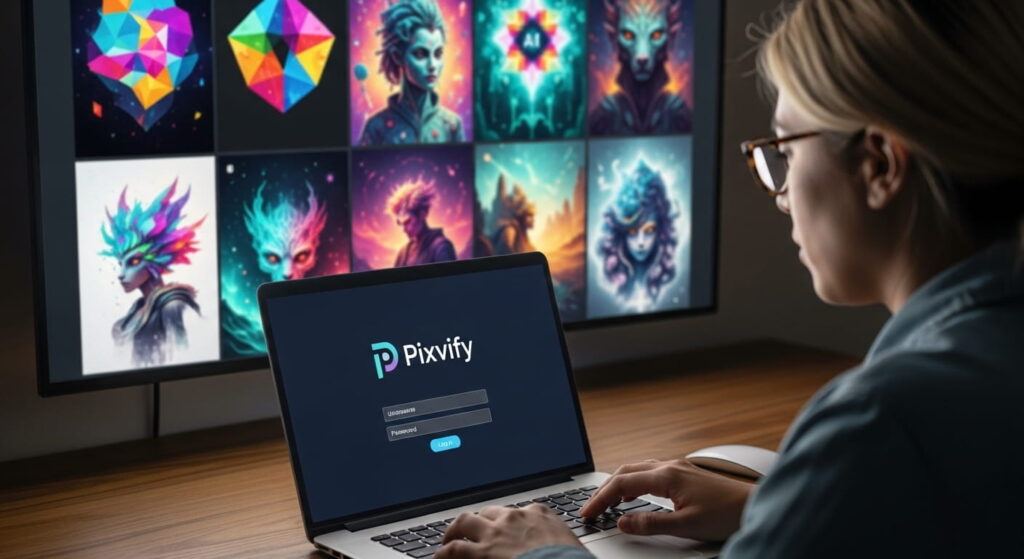
Pixvify Login and Account Setup
Pixvify gives both free and paid access but you need an account to save your work. Signing up takes less than a minute. After login you can see all your generated images in one place. You can also organize them into folders and rename them for easy tracking.
The account setup allows Pixvify to remember what tools you use most often. If you mostly enhance photos it will show editing tools first. If you create from text it will open the prompt box by default. This helps make your creative routine smoother every time you log in.
How to Use Pixvify Step by Step
Navigating a new AI interface can feel overwhelming, but Pixvify is designed to be lean and intuitive. To get the most out of your credits, follow this streamlined workflow to ensure your first generation is a masterpiece.
The Prompt Box: This is your command center. For the best results, always start with a clear “Subject” followed by a descriptive “Environment.” Instead of just typing “a car,” try “a vintage sports car parked on a rainy Tokyo street at midnight.”
Style Selectors: Before you hit generate choose your “vibe.” Pixvify offers presets like “Cinematic” “Anime” or “Hyper-Realistic.” These selectors act as invisible layers of code that tell the AI which lighting and texture libraries to prioritize.
Advanced Settings (The CFG Scale): This is the secret to professional-grade control. The CFG Scale (Classifier-Free Guidance) determines how strictly the AI follows your words.
- Scale 1–6: Creative freedom; the AI will take risks.
- Scale 7–10: The “Sweet Spot” for most users.
- Scale 11+: Strict adherence. Use this if you have very specific brand requirements that the AI must not deviate from.
Prompt Engineering Masterclass: The Pixvify Syntax
To reach a high level of output, you need to move beyond basic sentences. Professional prompt engineering in Pixvify is about using the right “anchors” to ground the AI’s imagination.
The Power of Technical Syntax
Small additions to your prompt can drastically change the resolution and “feel” of your art. By adding camera-specific language, you trigger the AI to simulate real-world physics:
- Lighting: Using “Cinematic 4K” or “Volumetric Fog” adds depth and realistic shadows.
- Lens Choice: Adding “85mm Prime Lens” creates that beautiful blurry background (bokeh) seen in high-end portrait photography.
Negative Prompting: The “Clean-Up” Tool
Sometimes, the best way to tell the AI what you want is to tell it what you don’t want. In the “Negative Prompt” box you can eliminate common AI errors before they happen. To keep your images clean and anatomically correct try including these standard “negatives”:
“Extra fingers, distorted limbs, blurry background, watermark, low resolution, grainy, mutated hands.”
By using these constraints, you force the AI to spend its processing power only on the high-quality elements you actually requested.
Pixvify for AI Image Generation and Photo Improvement
Pixvify is best known for creating images from short prompts. If you type something like a calm lake with mountains and sunrise the AI makes a realistic scene in seconds. It understands lighting color and composition well enough to produce pictures that look ready to use.
It is also a powerful photo enhancement tool. You can fix poor lighting increase sharpness or upgrade image quality without losing details. According to TechCrunch tools like Pixvify are changing how people edit images because they make professional level quality available to everyone.
Pixvify for Making Short Videos and Animations
Pixvify has expanded into Image-to-Video technology. By using its “Motion Intensity” slider you can turn a still portrait into a moving clip where the hair blows in the wind or the eyes blink naturally.
The Benefit: This is perfect for social media creators who need high-engagement video backgrounds but don’t have a film crew.
How Does Pixvify Fit Into A Professional Workflow?
AI Influencer Management
Influencers are using Pixvify to maintain “Character Consistency.” You can train a specific face model and place it in hundreds of different settings (travel, fitness, fashion) without ever leaving your desk.
E-commerce Product Photography
Small brands use Pixvify to transform a simple smartphone photo of a product into a high-end studio shot.
- Cost Saving: Replaces the need for $5,000 photoshoots.
- Speed: Go from raw photo to ad-ready visual in under 60 seconds.
Pixvify vs. Competitors
| Feature | Pixvify | Midjourney V7 | Adobe Firefly |
| Ease of Use | ⭐⭐⭐⭐⭐ (Web UI) | ⭐⭐⭐ (Discord/Web) | ⭐⭐⭐⭐ (Plugin) |
| Photorealism | Best-in-class | Artistic/Stylized | Commercial/Safe |
| Face Swapping | Built-in/High Accuracy | Requires Plugins | Not Available |
| Pricing | Freemium | Subscription only | Credits-based |
Pixvify Free and Paid Plans Explained
Pixvify offers both free and paid versions so everyone can use it based on their needs. The free plan allows a few generations per day with normal quality which is enough for beginners to test the platform and see what it can do. It helps users understand how prompts work and what kind of images AI can create.
The paid plans give you more power. You can make unlimited images faster get higher resolution outputs and access new tools before others.
People who work on design projects or run social media pages often prefer these plans because they save time and deliver better results. Having both free and paid options makes Pixvify useful for all kinds of users.
Pixvify Pricing: Free vs. Pro in 2026
In 2026, Pixvify has moved to a “Credit-Based” system that is very friendly to beginners.
| Plan | Best For | Features |
| Free Forever | Hobbyists | 5 daily generations, standard resolution. |
| Creator Pro | Social Media Managers | Unlimited generations, priority speed, 4K Upscaling. |
| Business/API | Developers/SaaS | API access, bulk background removal, commercial licensing. |
Is Pixvify Safe and Secure for Users?
Security is very important when using online AI tools. Pixvify protects all data using encryption and safe cloud servers so your uploads and creations stay private. You can even choose if you want to store your creations online or keep them only in your personal space.
Pixvify also explains ownership rules clearly. You have full rights to use your created images for personal or commercial purposes as long as you follow their ethical guidelines. This gives confidence to professionals who want to use AI visuals for client projects.
Ethics and Security in the Age of Pixvify
In late 2025 and 2026, AI tools are under more scrutiny than ever. Users want to know that their data is safe and their creations are ethically sound. Pixvify has addressed these concerns with two major security pillars.
Digital Integrity with C2PA Watermarking
To help distinguish between human-captured and AI-generated content, Pixvify uses Invisible C2PA Watermarks. These are not ugly stamps on your image; they are cryptographic metadata embedded into the pixels. This ensures that your work can be verified as “AI-Assisted,” which is becoming a legal requirement for many commercial advertising platforms.
Privacy & Sovereign Mode
For many, the biggest fear of AI is the storage of personal data specifically faces. Pixvify’s Sovereign Mode is their answer to privacy. When enabled any face you upload for “Face Swapping” or “Reference Art” is processed in a temporary “sandbox” environment.
- Instant Deletion: Once the generation is finished the original source file is automatically purged from the server.
- No Training: Your private images are never used to train future versions of the AI model ensuring your identity remains your own.
Best Pixvify Alternatives You Can Try
While Pixvify is powerful, it’s helpful to know the competition:
- Leonardo AI: Great for fantasy and game asset design.
- Midjourney: Known for high-concept, “artistic” styles.
- DALL-E 3: Excellent for following complex, literal instructions.
- Adobe Firefly: Best for those already working within the Adobe ecosystem.
Tips to Get the Best Results from Pixvify
Writing the right prompt makes all the difference. To reach professional quality, follow these three rules:
- The Camera: Use photography terms like “close-up,” “wide angle,” or “85mm lens” to guide the AI’s “eye.”
- The Subject: Be specific. Instead of “a forest,” use “a misty redwood forest.”
- The Lighting: Mention the time of day, such as “golden hour” or “neon moonlight.”
Common Pixvify Errors and How to Fix Them
- System Busy: This happens during high-traffic hours. Wait a minute and try again, or upgrade to a Pro account for priority.
- Anatomy Issues: If the AI gives a character “too many fingers,” try adding “deformed hands” to the Negative Prompt box.
- Blurry Results: Use the built-in “Enhance” or “Upscale” tool to fix resolution issues.
What Users Are Saying About Pixvify?
Online communities talk a lot about Pixvify. People on Reddit and design forums share that it feels simple and fast compared to older AI tools. Many love how it helps them create ideas quickly for social media art or branding.
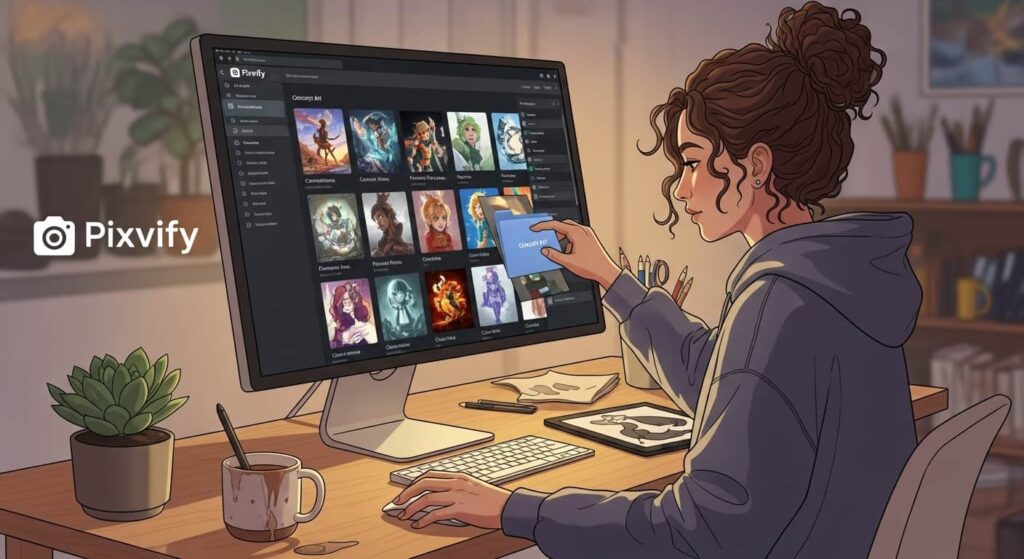
Some professionals use it to prepare concept visuals before starting full projects. The common feedback is that Pixvify saves time inspires creativity and brings new ideas that were hard to visualize before. It makes people feel more confident in trying digital creativity without fear of complexity.
Conclusion
Pixvify is no longer a luxury for big corporations; it’s a practical necessity for any business or creator who wants to stay competitive. It automates creativity by understanding data, removing repetitive work and improving decision-making at every level. The future belongs to those who can blend human intelligence with the power of tools like Pixvify.
FAQs
Does Pixvify support bulk generation for e-commerce via API?
Yes, Pixvify’s 2026 Developer Tier includes a REST API that allows businesses to automate thousands of product background removals or swaps per hour.
Can I train a custom “Style Model” inside Pixvify?
Pixvify now offers “LoRA Training” on Pro plans, allowing you to upload 15–20 photos to teach the AI a specific person’s face or a unique brand aesthetic.
How does Pixvify handle copyright if an image looks like a famous person?
The 2026 safety engine automatically blocks “Deepfake likenesses” of celebrities to protect you from legal risks and platform bans.
Can I use Pixvify images for my business?
Yes you can use them for personal or commercial purposes as long as they follow the content rules shared on the Pixvify website.
Is there a difference between the Pixvify Mobile Web App and the Desktop version?
Both versions share the same neural engine, but the Desktop dashboard offers “Advanced Inpainting” tools that require the precision of a mouse.
What happens to my unused credits at the end of the month?
On “Creator Pro” and “Business” plans, unused credits roll over for up to 90 days, ensuring you never lose the value of your subscription.
Does Pixvify add invisible metadata to images for SEO?
Every image includes C2PA metadata, which helps search engines verify the content’s origin, a key factor for ranking AI content in 2026.
Can I collaborate with a team on a single Pixvify project?
The new “Shared Canvas” feature allows multiple users to edit and comment on the same AI generation in real-time, similar to Google Docs.
Check out this breakdown of Pixvify’s 2026 features to see a real-time tutorial on how the PixifyAI plugin and image generator are revolutionizing creative workflows for bloggers and content creators.


2 Comments