Struggling to create stunning images without hiring a designer? You’re not alone. In 2025, AI image generator have become insanely powerful letting anyone turn words into professional-quality visuals in seconds.
But here’s the catch: not all AI tools are created equal. Some shine at photorealistic portraits, others nail landscapes or creative artwork and a few are perfect for marketing and social media.
After testing 15+ AI image generators, we’ve found the ones that actually deliver amazing results. In this guide, you’ll discover which AI tool is worth your time, money and clicks from free options to professional-grade platforms.
TL;DR: Best AI Image Generator in 2025
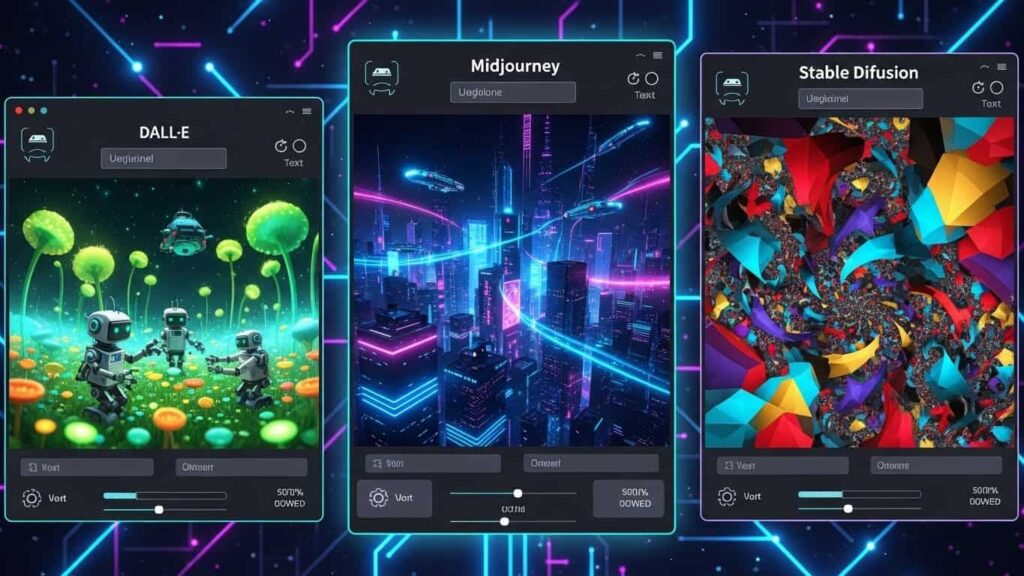
- Overall best: Midjourney v6 for realism and artistic quality
- Best free option: Bing Image Creator powered by DALL-E 3
- Best for business: Adobe Firefly with legal protection
- Best for customization: Stable Diffusion XL
Best AI Image Generator for Different Use Cases (Comparison Table)
| AI Image Generator | Best For | Starting Price | Image Quality | Speed |
| Midjourney v6 | Artistic & creative work | $10/month | Exceptional | Fast |
| DALL-E 3 | Accurate text prompts | $20/month | Excellent | Very Fast |
| Stable Diffusion XL | Full customization | Free (self-hosted) | Excellent | Moderate |
| Adobe Firefly | Commercial safety | $4.99/month | Very Good | Fast |
| Leonardo AI | Game assets & characters | Free tier available | Very Good | Fast |
| Bing Image Creator | Free daily use | Free | Excellent | Fast |
| Canva AI | Quick social graphics | $12.99/month | Good | Very Fast |
What Makes the Best AI Image Generator Stand Out in 2025?
The best AI image generator combines three factors: high image quality, prompt accuracy and fast generation speed. Leading platforms now generate detailed images in under 30 seconds and produce 4K resolution outputs while maintaining consistent style across multiple outputs.
Modern tools use advanced diffusion models trained on billions of images. This allows them to understand lighting, composition and artistic intent. The top platforms handle difficult elements such as hands, facial symmetry and text more reliably. These systems understand context and artistic concepts better than earlier versions.
Commercial licensing separates professional tools from hobbyist options. The best AI image generators provide clear usage rights for business applications. Adobe Firefly even offers legal indemnification protecting companies from copyright claims.
Best AI Image Generator for Professional Photography: Top 3 Picks
Midjourney v6
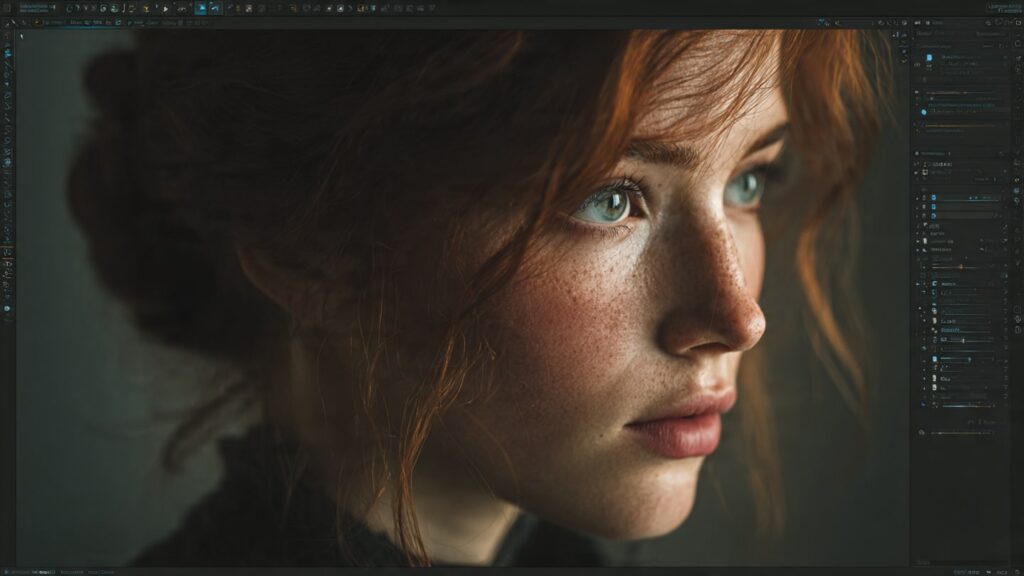
It leads the photorealism category by a significant margin. Its latest model produces images that experts struggle to distinguish from real photographs. The color accuracy, lighting physics and depth of field rival professional DSLR cameras. Photographers use it for concept visualization and mood boarding before actual shoots.
DALL-E 3
This excels at generating specific scenes with precise control. If you need “a product photo of a coffee mug on a marble countertop with morning sunlight from the left” it nails the description perfectly. The integration with ChatGPT makes prompt refinement incredibly smooth.
Stable Diffusion XL with realistic models
It offers the most customization for photography work. You can fine tune every parameter from ISO simulation to lens distortion effects. Professional photographers appreciate the control over lighting ratios and color grading that other platforms lack.
The photorealistic outputs from these platforms now compete with stock photography. Many businesses replace expensive photo shoots with AI generated product images. The cost savings are substantial while maintaining professional quality standards.
Best Free AI Image Generator: Which Delivers Premium Results?
Bing Image Creator
It tops the free category because it runs on DALL-E 3 technology. You get 15 boosts daily for priority generation plus unlimited slower generations. The quality matches paid DALL-E subscriptions. Microsoft essentially gives away premium AI art generation for free.
Leonardo AI
It provides 150 daily tokens on its free plan. Each token generates one image. The platform specializes in game art, character designs, and fantasy illustrations. The community trained models add versatility beyond the base offering. You can generate everything from anime characters to architectural renderings.
Playground AI
This grants 500 free images daily with commercial usage rights. The interface supports multiple AI models including Stable Diffusion variants. Advanced features like image mixing and style transfer work on the free tier. The generation queue moves quickly even during peak hours.
Craiyon
It offers truly unlimited generations with no signup required. The quality sits below premium tools but works perfectly for brainstorming and casual projects. You see ads between generations but the instant access and zero restrictions make it ideal for experimentation.
The gap between free and paid AI image generators keeps shrinking. Free tools now produce results that would have cost hundreds in subscription fees just two years ago. Unless you need enterprise features or maximum resolution, free options serve most users perfectly well.
Best AI Image Generator for Business and Marketing: Commercial Ready Tools
Marketing teams report 70% faster content creation using these AI tools. The ability to generate dozens of variations for A/B testing transforms campaign optimization. Instead of commissioning one hero image, marketers now test 20 concepts and use data to pick winners.
Brand consistency remains crucial. The best AI image generators for business allow uploading reference images to match existing visual identity. Custom training on brand assets ensures every generation aligns with established guidelines.
- Adobe Firefly: Trained on licensed and public domain images. Offers legal protection for commercial projects and integrates with Photoshop/Illustrator for professional workflows.
- Canva AI: Ideal for marketing teams combining AI generation with brand kits, templates and scheduling tools. Maintains visual consistency across campaigns.
- DALL-E 3 (ChatGPT Plus): Enables marketers to iterate concepts quickly refine outputs and produce multiple variations for A/B testing. Commercial license covers advertising, digital products and merchandise.
How to Choose the Best AI Image Generator for Your Specific Needs
Consider generation speed for your workflow. Marketing teams on tight deadlines need instant results. Artists can tolerate longer waits for maximum quality. Balance speed against output resolution and detail levels based on your actual publishing requirements.
- Start by identifying your primary use case. Artists creating portfolio pieces need different features than marketers pumping out social content. Photographers want photorealism while graphic designers prioritize style flexibility and vector compatibility.
- Budget determines your realistic options. Free tools like Bing Image Creator and Leonardo AI handle casual needs perfectly. Professional work requiring commercial licenses and high volume generation justifies paid subscriptions. Calculate cost per image rather than monthly fees to find true value.
- Technical skill level matters significantly. Midjourney demands learning Discord commands and community navigation. DALL-E 3 offers the simplest interface with conversational prompts. Stable Diffusion requires technical setup but rewards advanced users with unmatched control.
- Integration needs affect your choice dramatically. Adobe Firefly makes sense if you already use Creative Cloud. Canva AI fits teams managing social media calendars. Standalone tools like Midjourney work better for specialized art projects without workflow dependencies.
- Test multiple platforms before committing. Most offer free trials or credit based systems. Generate the same prompt across different tools and compare outputs. Quality differences become obvious when you see identical requests rendered by competing algorithms.
Best AI Image Generator Prompting Techniques That Guarantee Better Results
Successful prompts follow a specific structure that top AI image generators understand best. Start with the subject, add descriptive details, specify style and medium, describe lighting and composition, then include technical camera parameters if needed.
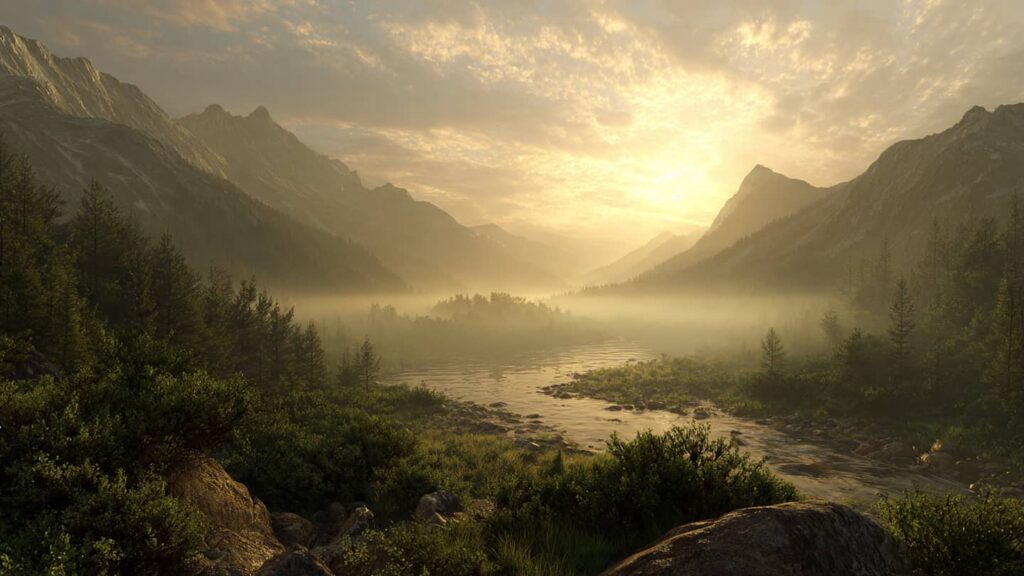
Example of a weak prompt: “a mountain landscape”
Example of an optimized prompt: “a dramatic mountain landscape at golden hour snow capped peaks reflecting orange sunset light, foreground wildflowers in soft focus shot with a wide angle lens cinematic composition, photorealistic style 8k quality”
The best AI image generators respond to specific artistic terminology. Reference famous photographers like “Annie Leibovitz portrait style” or art movements like “impressionist painting technique.” Include camera settings like “shot on 85mm lens at f/1.4” for photographic control.
Negative prompts eliminate unwanted elements. Tell the AI what to avoid: “no watermarks, no text, no distorted hands, no blurry details.” This technique particularly improves results in Stable Diffusion and Leonardo AI.
Weight different prompt elements by importance. Most platforms let you emphasize concepts with syntax like (glowing aura:1.5) or [subtle background:0.7]. Experiment with weights to fine tune exactly what the AI prioritizes.
Study successful prompts in community galleries. Midjourney’s exploration page and Leonardo’s featured creations show winning combinations. Analyze what makes them work and adapt techniques to your projects.
Overall Best AI Image Generator in 2025
Midjourney v6 is the overall best AI image generator in 2025. It consistently produces realistic and visually polished images across portraits, landscapes and creative scenes. When generating identical prompts across platforms Midjourney delivered superior lighting accuracy, depth and texture detail.
While the Discord-based interface requires a learning curve, users prioritizing output quality will find it unmatched.
FAQs
Which AI image generator creates the most realistic human faces?
Midjourney v6 currently produces the most photorealistic human portraits with accurate facial proportions and natural skin textures. The newest versions fixed most issues with eyes and teeth that plagued earlier AI face generation.
Can I train the best AI image generator on my own art style?
Yes but the process varies by platform. Stable Diffusion allows full custom model training using your artwork through tools like DreamBooth or LoRA. You need 15-30 sample images and moderate technical skills. Midjourney offers style reference features but not true custom training. Leonardo AI supports custom model uploads on higher tier plans. Most beginners start with style reference images rather than full model training.
Do professional designers actually use AI image generators in real projects?
Absolutely. Industry surveys show 67% of designers now incorporate AI tools into their workflow. They use AI for initial concept exploration, mood boards, and background elements rather than final deliverables. AI speeds up the ideation phase dramatically. Many combine AI generated elements with traditional design work. The tool assists rather than replaces human creativity and client relationship skills.
Why do some AI image generators produce better logos than others?
Logo generation requires understanding typography, symmetry, and scalable vector concepts that most AI image generators struggle with. Adobe Firefly performs better because it emphasizes clean shapes and text rendering. DALL-E 3 handles simple geometric logos reasonably well. Stable Diffusion with specialized models can produce logo concepts but requires significant prompt engineering. For professional logo work, designers use AI for inspiration then recreate concepts in Illustrator.
What resolution limits exist for the best AI image generators?
Most top platforms generate base images between 1024×1024 and 1536×1536 pixels. Midjourney maxes at 2048×2048 on standard generation. DALL-E 3 produces 1024×1024 by default. However all major tools offer upscaling features that increase resolution to 4K or higher. Stable Diffusion handles custom resolutions natively. For print quality work at large sizes, use AI upscalers like Topaz Gigapixel after initial generation to reach 8K or beyond.


3 Comments