Fonts change how words feel. The right font can make a project look fun, serious, creative or clean in seconds. That’s why so many people search for dafont .com when they need something better than default fonts.
Dafont is one of the easiest places online to find and download fonts. You don’t need an account, design skills, or special software to get started. In just a few clicks, you can preview, download and use fonts for school, personal projects and creative work.
In this guide, you’ll learn what Dafont is, how it works, and how to use it safely. You’ll also learn how to download fonts from dafont, how to install them and how to use dafont on google docs. Everything is explained in simple steps so anyone can follow along.
What Is Dafont and Why Is It So Popular?

Dafont is a font-sharing website where designers upload their work for others to use. It focuses on creativity not complexity. The site is built to help people find best free high quality fonts fast without feeling overwhelmed.
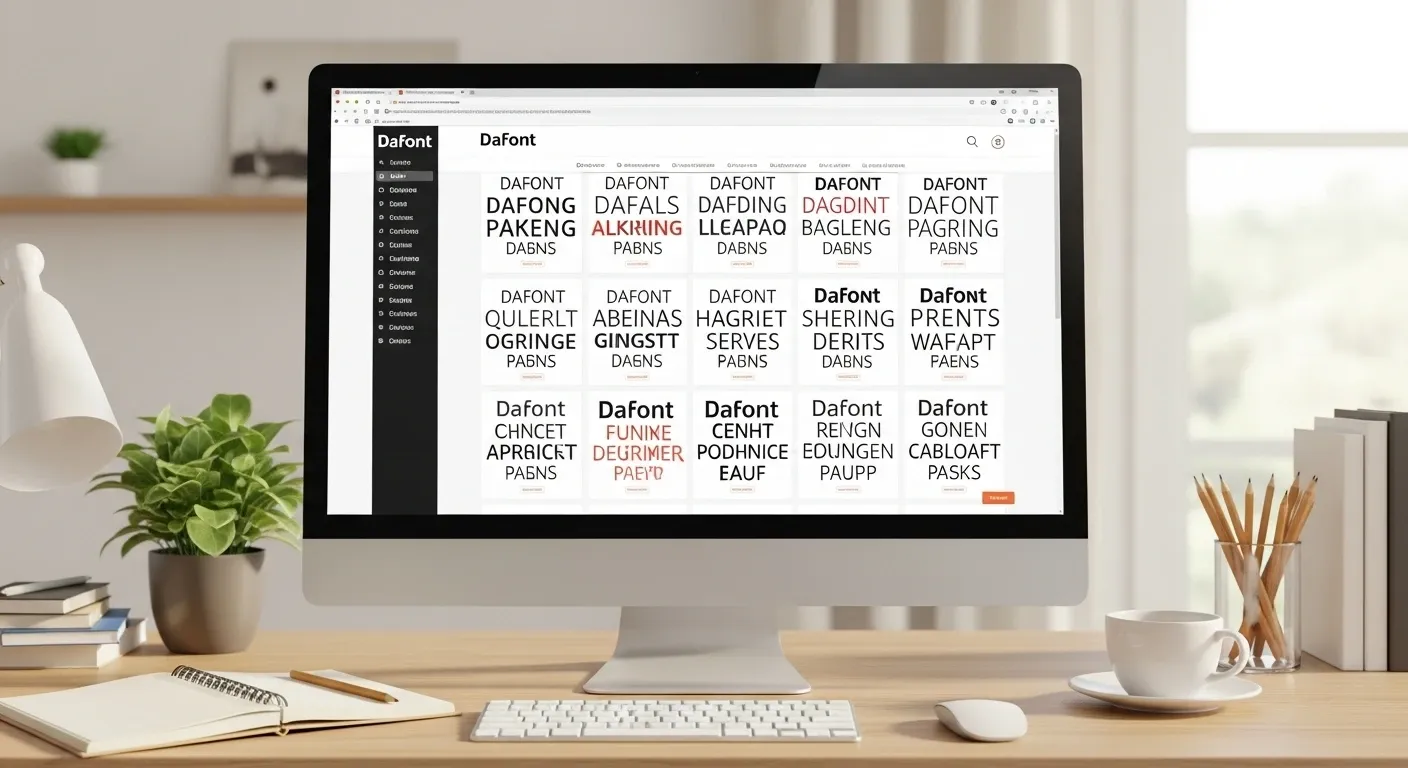
What makes dafont stand out is how easy it is to browse. Fonts are sorted by style, theme and mood so you don’t need to know font names. You just explore until something feels right. Unlike complex design platforms, Dafont keeps things simple you click, preview and download.
What Types of Fonts Can You Find on Dafont?
dafont fonts come in many styles, from playful to professional. Some are bold and decorative, while others are clean and simple.
You’ll find fonts commonly used for posters, social media graphics, school projects, thumbnails and logos. Many users come to Dafont just to experiment and get inspiration. That freedom is part of its appeal.
How Does the Dafont Generator Work?
The dafont generator is a simple preview tool that lets users see how text looks in different fonts before downloading them. Instead of guessing, you type your own words into the preview box on the site. The font updates instantly with your text.
This helps users compare styles quickly and choose the right high quality, legitimately free fonts with confidence. You can test names, titles or short phrases without installing anything. It saves time and prevents downloading fonts that don’t fit your project.
The generator works directly in your browser and doesn’t change your device in any way. Once you find a font you like, you can download and install it normally.
How to Download Fonts From Dafont (Step by Step)
Downloading fonts from Dafont is simple and does not require any technical skills. You don’t need to create an account or share personal information to get started.
- First, open the font’s page on Dafont and click the download button.
- The file will download as a ZIP folder to your device.
- Open the ZIP file and extract the font files inside.
- Once extracted, install the font, and it will be ready to use in your programs.
The entire process takes only a few minutes. No signup, no email and no extra steps are involved.
How Do You Install Dafont Fonts?
Installing fonts on Windows
On Windows:
- Right-click the font file
- Choose “Install”
- The font is ready to use
Installing fonts on macOS
On Mac:
- Double-click the font file
- Click “Install Font”
- The font appears in Font Book
Once installed, the font works in most programs right away.
What Can You Create With Dafont Fonts?

Dafont fonts can be used in many everyday creative projects. Once a font is installed, it works like any other font on your device so there’s nothing new to learn.
People commonly use Dafont fonts for school posters, social media graphics and YouTube thumbnails. They’re also popular for logos, headers and digital art where a unique style is needed.
After installing the font, you simply select it inside your software and start typing. The font behaves just like the default fonts you already use making it easy for beginners.
How to Use Dafont Fonts in Projects
Many beginners ask how to use dafont after installing a font. The answer is simple: use it like any other font on your system.
After installation, the font appears in your software’s font list. You select it, type your text and adjust size or spacing as needed. This works in design tools, word processors, and image editors.
How to Use Dafont on Google Docs
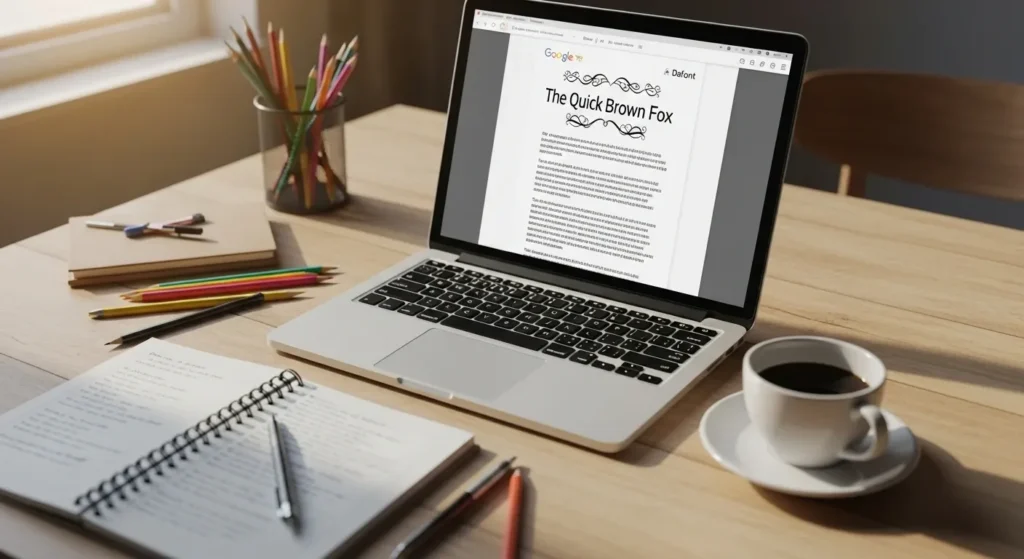
Google Docs does not allow direct font uploads. That’s why many people search for how to use dafont on google docs.
Here’s what works:
- Create text in another app using the font
- Save it as an image or PDF
- Insert it into Google Docs
This method is great for titles, logos and design elements.
Is Dafont Safe to Use?
Dafont is generally safe when used responsibly. Fonts are simple files, and issues are rare when downloading from official font pages.
To stay safe, avoid clicking unrelated ads and always download directly from the font listing. If you want extra peace of mind, you can scan files before installing them.
Understanding Font Licenses on Dafont
Every font on Dafont comes with a license note. This tells you how the font can be used.
Some fonts allow personal use only, while others allow commercial use. Reading this note takes a few seconds and helps you avoid problems later. Respecting licenses also supports font creators.
Common Mistakes People Make With Dafont
One common mistake is using too many fonts in a single project. When too many styles are mixed together, the design can look cluttered and hard to read.
Another frequent mistake is ignoring font licenses. Even free fonts come with usage rules. Reading the license first helps avoid problems and keeps your work safe and stress-free.
Final Thoughts
dafont .com makes typography accessible to everyone. You don’t need experience, money or special tools to get started.
Whether you’re exploring dafont free, previewing styles with the dafont generator or learning how to download fonts from dafont, the process stays simple. Dafont gives you freedom to experiment and create without pressure.
Take your time, try different styles and have fun with fonts. That’s exactly what Dafont is built for.
FAQs
Can I test Dafont fonts before downloading them?
Yes! The dafont generator lets you type your own words and see how they look in different fonts. This helps you pick the right style for your project without cluttering your computer with unnecessary downloads.
Do Dafont fonts work in design software like Photoshop or Canva?
Absolutely. Once installed, dafont fonts are available in most design programs, including Photoshop, Illustrator, Canva, and even PowerPoint. You simply select the font from the program’s font menu and start typing.
Are there any hidden risks when downloading Dafont fonts?
Generally, Dafont is safe, but you should always download from the official font page. Avoid pop-ups or unrelated ads, and consider scanning the font files if you want extra security.
Can I combine Dafont fonts with Google Docs fonts for creative projects?
Yes. While Google Docs doesn’t allow direct font uploads, you can create text using a Dafont font in another program and import it as an image or PDF. This method keeps your custom fonts intact in Docs.
How can I find fonts on Dafont that match a specific theme or style?
Dafont organizes fonts into categories like script, retro, decorative and serif. You can also use keywords in the search bar to find fonts for a theme such as “horror,” “handwritten” or “modern,” making it easier to locate fonts that fit your project’s mood.