
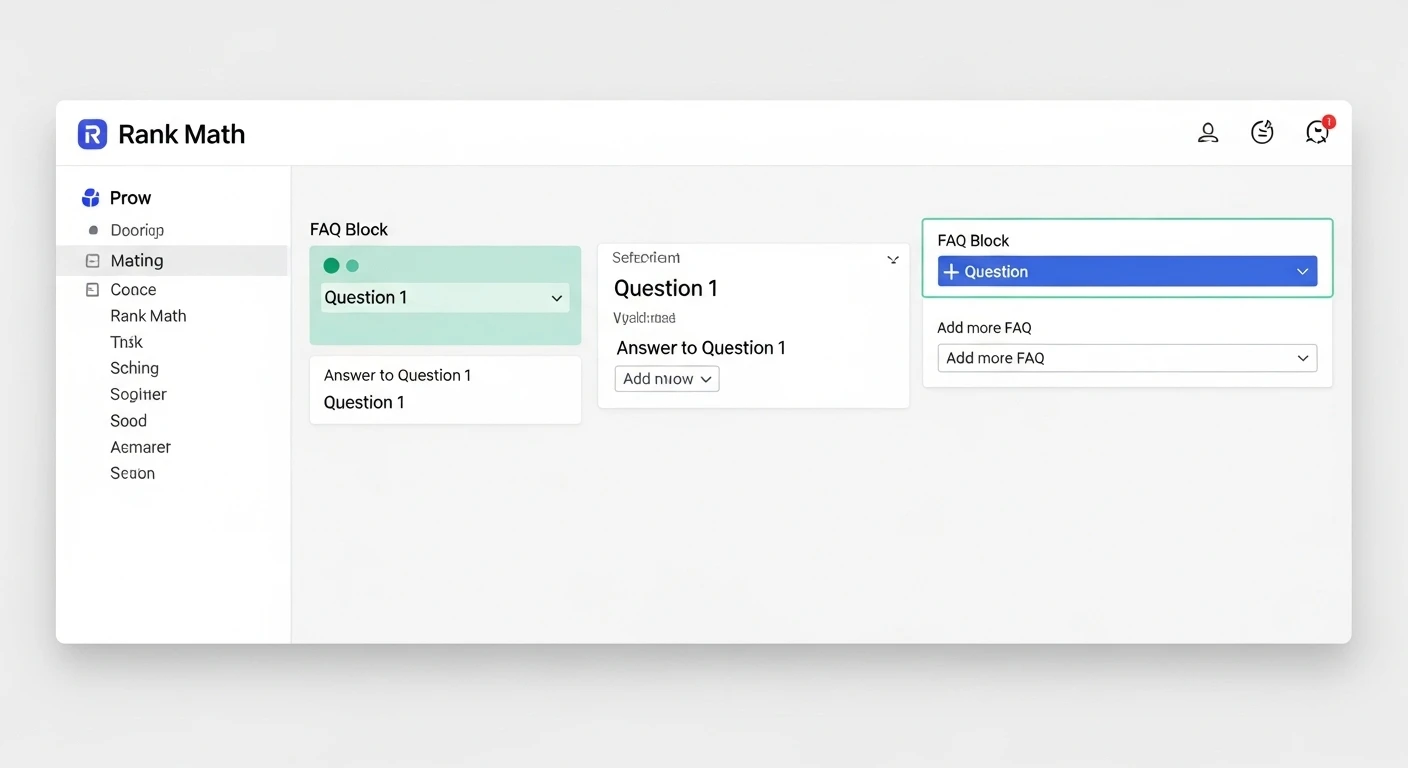
Adding FAQ schema to a WordPress website helps search engines better understand your content and can improve how your pages appear in search results. When implemented correctly, FAQ schema can enhance visibility, increase click-through rates and provide users with quick answers directly on the search results page. Rank Math makes this process accessible even for users without technical knowledge, but understanding how to add Rank Math FAQ schema in WordPress correctly ensures that both search engines and users benefit from structured accurate information.
FAQ schema is a structured data format that tells search engines which questions and answers exist on a page. Instead of guessing content intent, search engines can clearly identify frequently asked questions and display them in rich results. For WordPress site owners, this creates an opportunity to earn more screen space in search results while improving content clarity for readers.
Rank Math is one of the most widely used SEO plugins for WordPress because it simplifies complex SEO tasks into manageable steps. Its built-in schema tools allow website owners to add FAQ schema without writing code or installing separate plugins.
Understanding FAQ Schema and Its Role in SEO
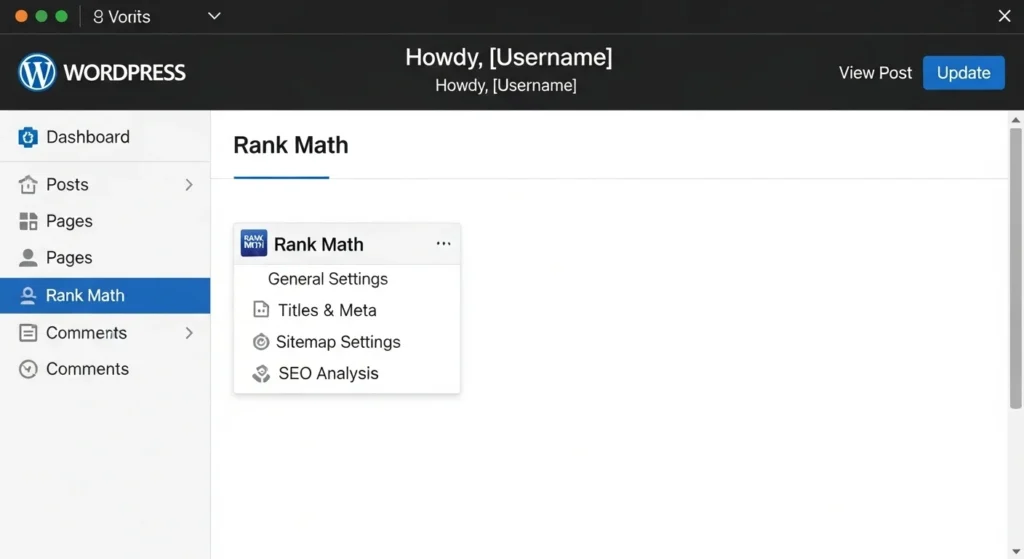
FAQ schema is a type of structured data defined by Schema.org that helps search engines identify question-and-answer content. When implemented correctly, it allows search engines to present questions and answers directly in search results. This does not guarantee rich results but it increases eligibility by providing clear and validated data.
From an SEO perspective, FAQ schema improves content interpretation rather than rankings alone. Search engines use structured data to confirm meaning, relevance and context. Pages with FAQ schema often experience improved visibility because users can quickly evaluate whether the content answers their questions, leading to higher engagement and more qualified clicks.
FAQ schema is commonly used on blog posts, service pages, product pages, and knowledge base content. It is most effective when the questions reflect real user concerns rather than marketing language. Search engines expect FAQ schema to represent genuine questions users may ask with concise and accurate answers that match the on-page content.
Why Rank Math Is a Reliable Choice for FAQ Schema
Rank Math provides native schema support, which removes the need for external plugins or manual JSON-LD coding. This reduces compatibility issues and ensures structured data follows current search engine guidelines. Because Rank Math integrates schema into its SEO framework, it also validates schema automatically within WordPress.
The plugin offers a visual interface for adding FAQ schema blocks within the WordPress editor. This makes it easier to maintain consistency between visible content and structured data. Search engines require that schema markup matches what users can see on the page, and Rank Math helps enforce this requirement.
Another advantage of Rank Math is its ongoing updates aligned with Google’s structured data policies. As search engines adjust how they process FAQ rich results, Rank Math updates its schema features accordingly. This minimizes the risk of outdated markup that could reduce eligibility or trigger manual actions.
Preparing Your WordPress Site for FAQ Schema
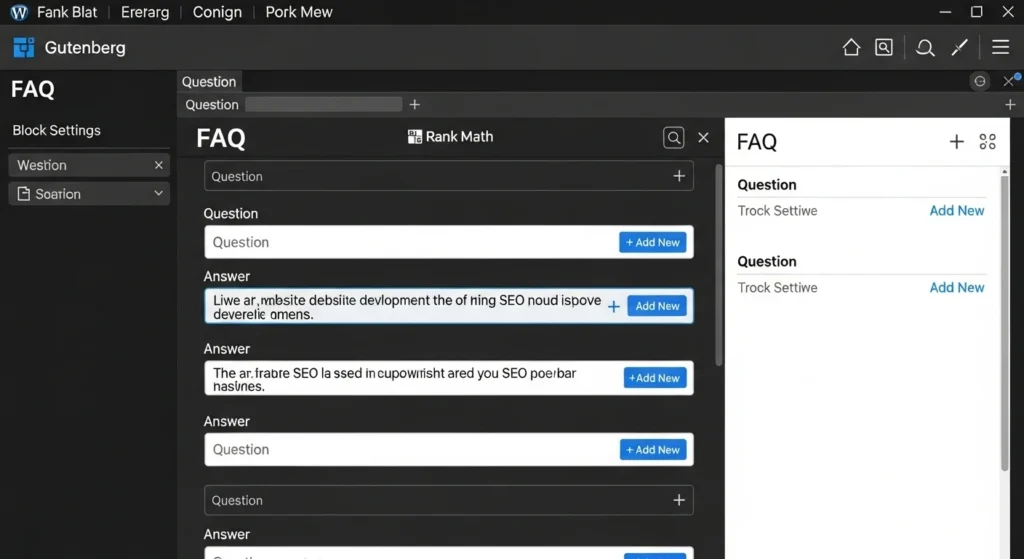
Before adding FAQ schema, Rank Math must be installed and properly configured. The plugin’s setup wizard should be completed so that schema features are enabled. This includes activating schema support within the Rank Math dashboard and ensuring the plugin has access to the post types where FAQs will be added.
It is also important to identify which pages actually benefit from FAQ schema. Not every page should contain FAQs, and overusing schema can reduce its effectiveness. Pages with informational intent, clear user questions, or step-based explanations are usually the best candidates.
Content accuracy is critical at this stage. The questions and answers you plan to mark up must already exist on the page or be added as visible content. Search engines do not allow hidden FAQ schema. Rank Math relies on the visible FAQ block, so preparing clean, well-written questions improves both usability and compliance.
How to Add Rank Math FAQ Schema Using the Block Editor
Open Your Post or Page
Start by navigating to the WordPress post or page where you want to add FAQs. Only choose pages where the questions provide real value to readers. Google favors content that directly answers user queries, so relevance is key.
Add the Rank Math FAQ Block
Click the block inserter and select the Rank Math FAQ block. This dedicated block ensures that the schema matches exactly what users see on the page, which helps build trust with search engines.
Enter Questions and Answers
Each FAQ entry has a Question and Answer field. Write clearly and concisely, keeping formatting minimal. Short, straightforward answers improve readability for users and accuracy for the schema. Using natural, user-friendly language can also increase the chances of appearing in rich results.
Prioritize Important Questions
Focus on the questions that matter most to your audience. Avoid adding every possible variation, as overloading a page can reduce clarity. Search engines reward relevance and clear organization over sheer quantity.
Publish or Update Your Page
Once the FAQ block is added, Rank Math automatically applies FAQPage schema in JSON-LD format. No extra setup is needed. For best results, test the page using Google’s Rich Results Test to confirm the schema is working correctly.
Adding FAQ Schema Using the Classic Editor or Page Builders
For sites using the Classic Editor or third-party page builders, Rank Math still supports FAQ schema through its schema generator. This method requires adding FAQs manually within the Rank Math meta box rather than using the visual block.
Within the post editor, scroll to the Rank Math meta box and select the Schema tab. Choose FAQ Schema from the available schema types and enter each question and answer directly into the fields provided. This method requires careful attention to accuracy, as the FAQs must still appear visibly on the page.
When using page builders, ensure that the visible FAQ content matches the schema fields exactly. Inconsistencies between visible content and structured data can result in rich result disqualification. Rank Math does not automatically sync schema with page builder content, so manual review is essential.
Best Practices for Writing FAQ Content for Schema
FAQ schema works best when questions are based on real user queries. These can be derived from customer support interactions, search queries, or common misconceptions about a topic. Clear, conversational phrasing improves both user experience and search visibility.
Answers should be factual, concise and directly address the question without unnecessary elaboration. While the page itself may contain detailed explanations elsewhere, FAQ answers should focus on clarity and usefulness. Search engines often display only part of an answer, so front-loading key information is helpful.
It is also important to avoid promotional language in FAQ schema. Search engines prefer neutral, informational answers rather than marketing claims. Rank Math allows flexibility in wording, but responsible content creation improves long-term eligibility for rich results.
Validating and Testing FAQ Schema Implementation
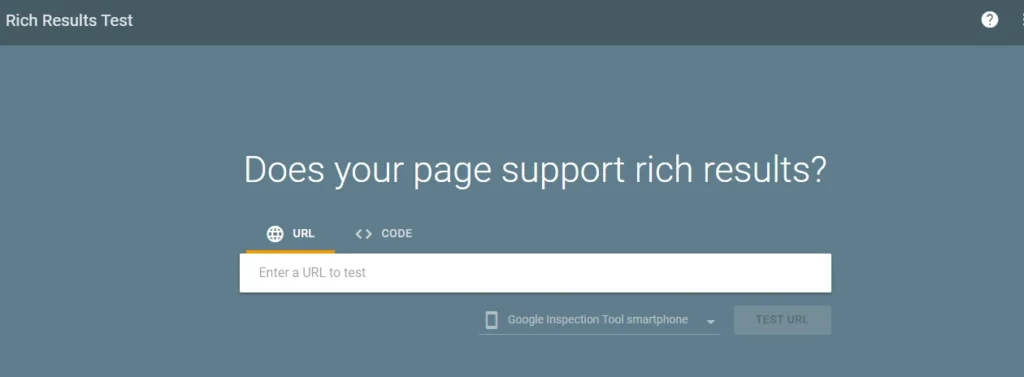
After adding FAQ schema, validation is an essential step. Rank Math includes built-in schema validation indicators, but external testing provides additional assurance. Testing confirms that structured data is readable and free of errors.
Google’s Rich Results Test is commonly used to validate FAQ schema. By entering the page URL, you can confirm whether the FAQPage markup is detected and whether it meets eligibility requirements. Warnings should be reviewed carefully, even if errors are not present.
Regular testing is recommended whenever content is updated. Changes to questions, answers, or page structure can affect schema validity. Rank Math updates schema dynamically, but validation ensures that search engines interpret the data correctly.
Common Mistakes to Avoid When Adding FAQ Schema
Adding schema to irrelevant pages
- Only add FAQ schema to pages with real questions and answers.
- Avoid using schema purely for visibility search engines value user-focused content.
Duplicating FAQs across multiple pages
- Each page should feature unique, context-specific questions.
- Repeating the same FAQs can confuse search engines and weaken relevance.
Overloading pages with too many questions
- Focus on the top questions that provide the most value.
- Too many FAQs can overwhelm readers and dilute clarity.
How FAQ Schema Fits Into a Broader SEO Strategy
FAQ schema should complement, not replace, strong content fundamentals. High-quality content, clear site structure and relevant internal linking remain essential. Schema enhances understanding, but it cannot compensate for weak content.
When combined with keyword research and search intent analysis, FAQ schema reinforces topical relevance. Questions often align with long-tail queries, making FAQ schema a valuable tool for capturing additional search visibility without creating separate pages.
Rank Math integrates FAQ schema with other structured data types, such as Article and HowTo schema. Used thoughtfully, this creates a layered approach where search engines receive consistent, well-organized signals about your content’s purpose and value.
Conclusion
Adding Rank Math FAQ schema in WordPress is a practical way to improve how search engines understand and display your content. When implemented correctly, it enhances visibility without requiring technical expertise. The key is aligning structured data with genuine, helpful content.
Rank Math simplifies the process by integrating schema directly into the WordPress editor. This reduces errors, ensures compliance with search engine guidelines, and makes maintenance easier over time. Whether using the block editor or manual schema fields, accuracy and consistency remain essential.
FAQ schema works best as part of a thoughtful SEO strategy focused on user needs. By answering real questions clearly and validating your implementation, you create content that serves both readers and search engines. This balance builds long-term trust, visibility and practical value for your website.
FAQs
Does adding FAQ schema guarantee rich results in Google?
FAQ schema increases eligibility for rich results, but it does not guarantee display. Google decides when and how rich results appear based on relevance, quality, and search intent. Proper implementation improves the chances, but outcomes vary.
Can FAQ schema be used on product or service pages?
FAQ schema can be used on product or service pages if the questions address real user concerns. The content must be informational rather than promotional. The FAQs should help users understand features, usage, or policies.
Is it safe to add FAQ schema to multiple pages?
It is safe when each page contains unique and relevant questions. Repeating identical FAQs across many pages can reduce effectiveness. Search engines prefer page-specific structured data.
How many FAQ questions should a page include?
There is no fixed limit, but quality matters more than quantity. Most pages benefit from three to six well-written questions. Adding too many can reduce clarity and user engagement.
Does FAQ schema affect page speed or performance?
FAQ schema itself does not impact page speed. Rank Math adds lightweight JSON-LD code that loads efficiently. Performance issues usually come from other scripts or heavy page elements.
Can FAQ schema be removed or updated later?
FAQ schema can be edited or removed at any time through Rank Math. Changes take effect immediately on the site, but search engines may take time to recrawl and reflect updates.