Animation once required expensive software, advanced skills, and weeks of production time. In 2026, AI animation video generators have removed those barriers entirely. You can now turn text prompts, images or existing footage into animated clips in minutes often directly in your browser with quality high enough for social media, ads, explainers and cinematic concept shorts.
The challenge is no longer whether AI animation works it’s choosing the right tool for the job. Some excel at cinematic realism others at anime stylization image-to-video motion or fast storytelling experiments.
This guide compares the best free AI animation video generators in 2026, explains their real limitations and shows you exactly what to use and when.
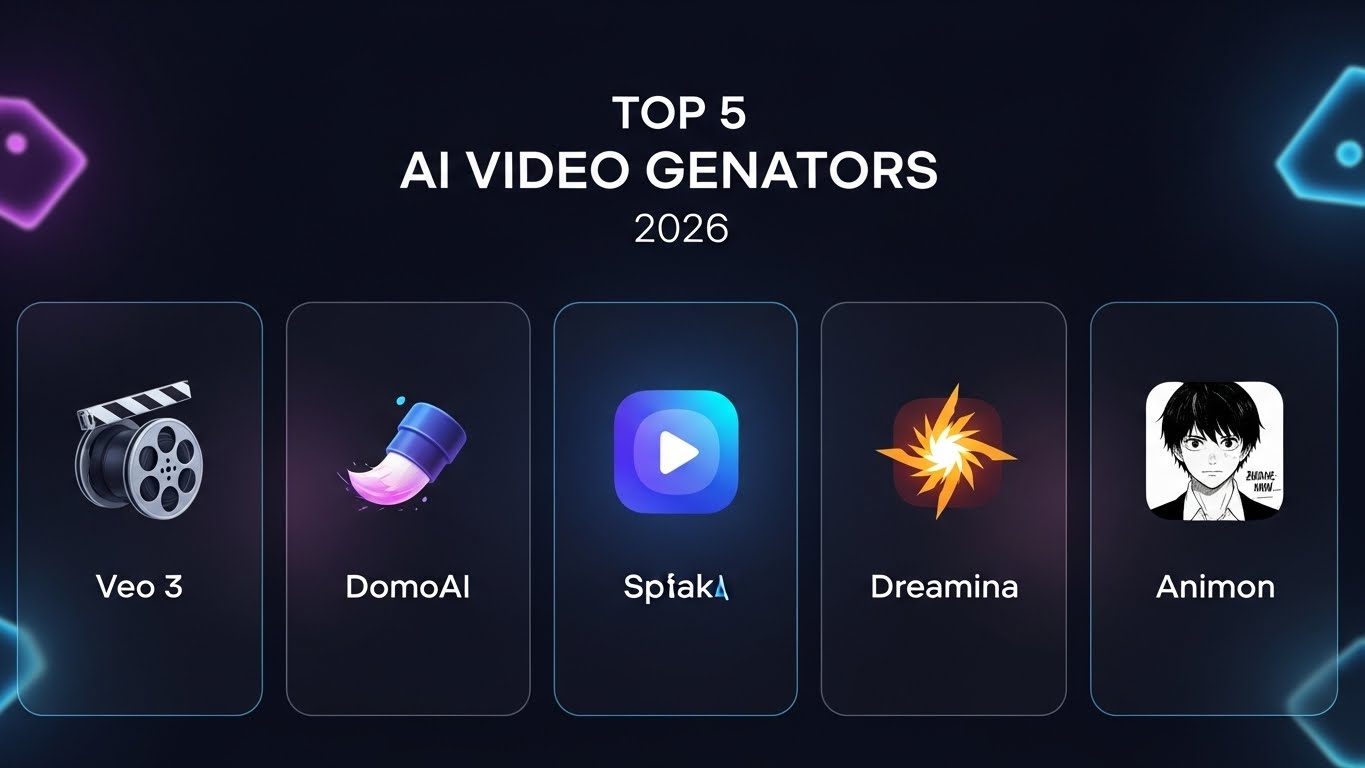
Quick Comparison Table (Speed vs Quality vs Free Limits)
| Tool | Speed | Visual Quality | Free Access Model | Best Use Case |
| Veo 3 | Medium | ⭐⭐⭐⭐⭐ | Monthly credits via labs | Cinematic animation |
| DomoAI | Very Fast | ⭐⭐⭐⭐ | Free credits | Anime stylization from footage |
| Animon | Fast | ⭐⭐⭐⭐ | Free tier | Anime image-to-video |
| Dreamina | Medium | ⭐⭐⭐⭐½ | Daily limits | Social & marketing videos |
| Whisk | Fast | ⭐⭐⭐⭐ | Experimental / Labs | Story & scene exploration |
Note: “Speed” and “Quality” are practical creator ratings (what you typically experience), while “Free limits” reflects what the platforms publicly state about free access and/or credit systems in their own pages.
Why Use Free AI Animation Video Generators in 2026?
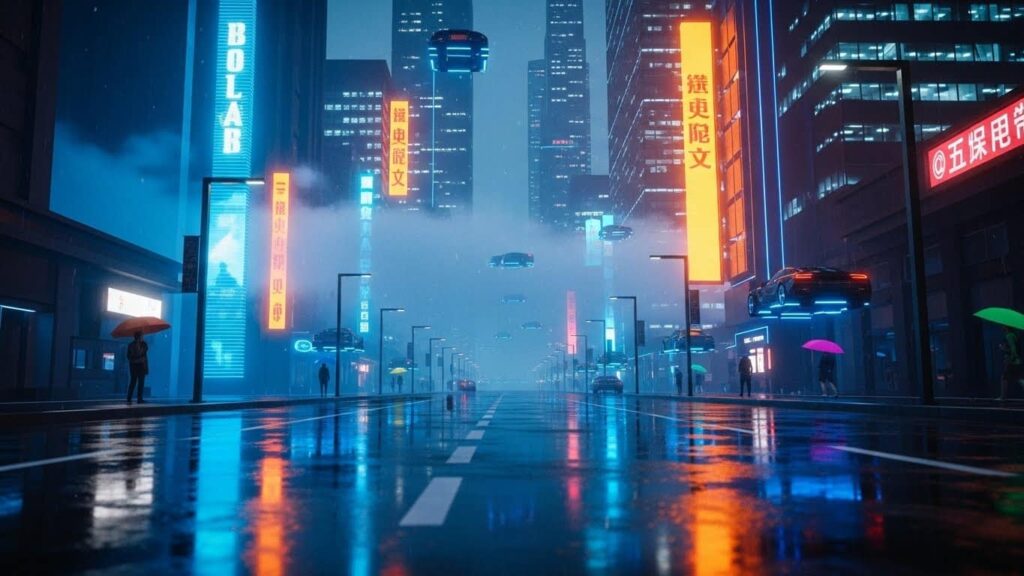
Free AI animation Video generators matter because they remove the traditional blockers: advanced skills, expensive tools and long production cycles. Instead, creators can iterate with simple prompts and lightweight workflows especially useful for marketers, educators and solo creators who need output fast without hiring a full team.
Veo 3 (Free via Skills Boost) — Best Cinematic Quality
Veo 3 is the gold standard for realism. It understands complex physics and lighting better than any other free tool.
- How to get it free: Navigate to Google Cloud Skills Boost. Choose the “Starter: No Cost” plan to claim 35 free credits every month. You can use these credits in Generative AI labs to access the full power of Veo 3 via Vertex AI Media Studio.
- Best For: Cinematic trailers and high-end concept art where motion must look professional.
Dreamina (by CapCut) — Best for Daily Creators
Unlike tools that give you a “one-time” bucket of credits, Dreamina (built by the ByteDance/CapCut team) operates on a Daily Bonus Refresh system.
- The Advantage: You typically receive 60 free credits every 24 hours. This makes it the best tool for consistent creators who need to make 1–2 high-quality clips every single day without a subscription.
- Pro Tip: Use the “Upscale” and “Retouch” features after generating to get 2K resolution for free.
Whisk Animate — Best for Creative “Remixing”
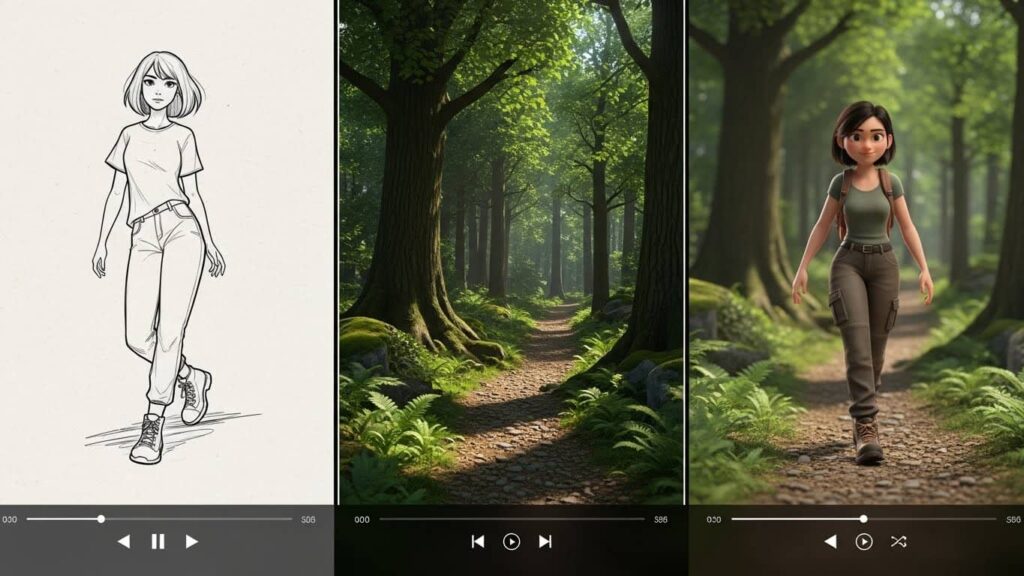
In 2026, Google’s Whisk evolved into a powerhouse for storytelling. Its standout feature is Whisk Animate which runs on a Veo 2 backbone.
- The Feature: You can upload a subject, a scene, and a style image separately. Whisk “remixes” them into a brand-new image and then animates it into a smooth 8-second clip.
- Best For: Rapid storyboarding and seeing how your characters look in different environments.
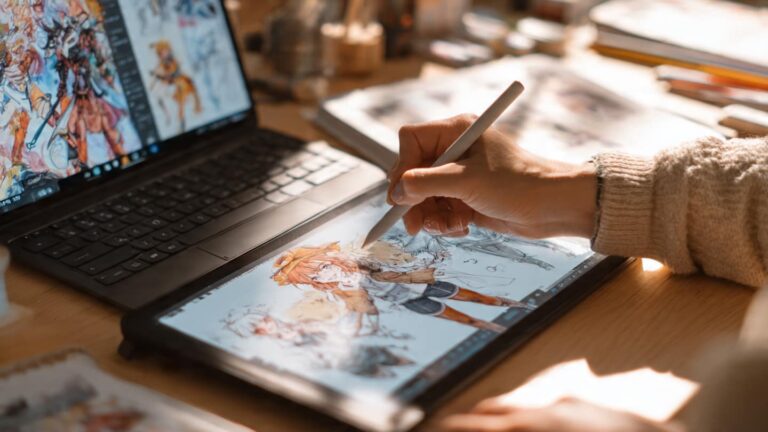
Animon — Best free anime image-to-video
Animon is a dedicated anime image-to-video tool. While popular, it is important to be realistic about its free tier:
- The Reality Check: The free tier is truly free and unlimited for experimentation, but it adds a watermark to your work and limits the output resolution to 480p.
- Best For: Testing character motion or creating small assets for VTuber backgrounds where high resolution isn’t the priority.
DomoAI — Best for Video-to-Video Stylization
If you have a video of yourself dancing or walking and want to turn it into a high-end anime scene, DomoAI is the fastest route. It excels at maintaining “temporal consistency”—meaning the character doesn’t flicker or change clothes between frames.
- Quick Workflow: Upload a 5-second clip → Select a style (like Niji or Flat Color) → Generate.
The “Prompt Secret”: 2026 Motion Logic
In 2026, Free AI Animation Video generators like Veo 3 and Dreamina have moved past basic text understanding. They now respond to “Directorial Prompts.” If your videos look jittery it’s likely because your prompt lacks Temporal Constraints.
To get professional results, use the 4-Pillar Formula:
[Subject] + [Action] + [Camera Motion] + [Environment & Physics]
The “Physics” Secret: If you want to avoid “AI morphing” you must describe the physics of the scene. Instead of saying “a man walking” say:
- “A man walking with realistic weight distribution his coat billowing naturally in a 5mph wind, captured in a slow-motion tracking shot.”
The “Camera Control” Keywords: Adding these specific 2026-optimized technical terms will instantly improve your output quality:
- “Temporal Consistency”: Forces the AI to keep the character’s face the same across all 8 seconds.
- “Parallax Motion”: Creates depth by moving the background at a different speed than the foreground.
- “Dolly Zoom”: A cinematic technique where the camera moves in while the lens zooms out (perfect for “realization” moments).
How to Choose the Right Tool
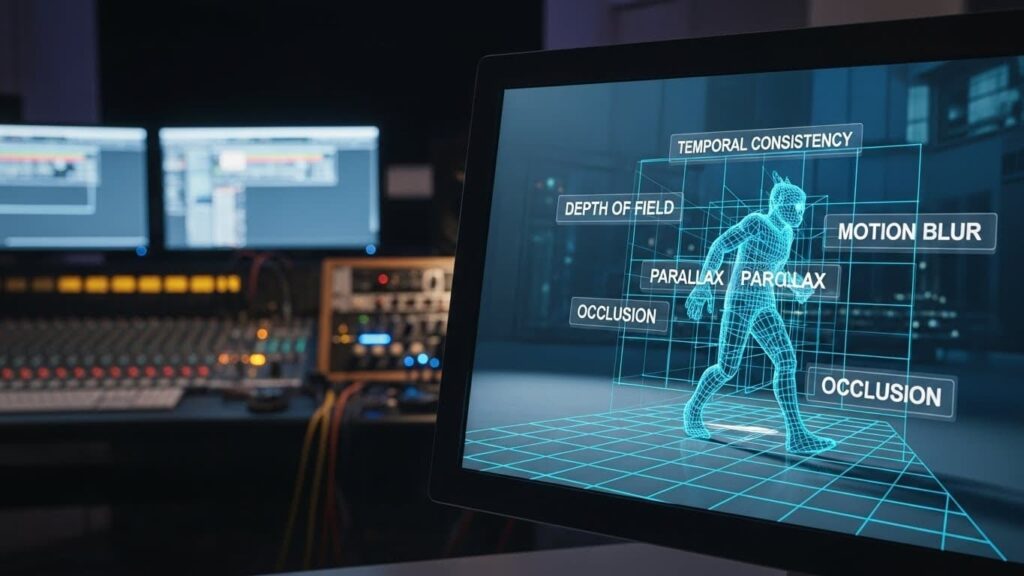
With so many “free” options, it’s easy to waste hours jumping between platforms. To choose the right one, you must first identify your primary input and your intended output.
Start with your “Input Asset”
- If you have nothing but an idea: Use Veo 3. Its text-to-video understanding is superior meaning you won’t have to fight the AI to get it to follow your script.
- If you have a high-quality character or product photo: Use Whisk Animate or Dreamina. These tools excel at “Image-to-Video” meaning they respect the details of your original photo rather than morphing them into something else.
- If you have a raw video of yourself: Use DomoAI. It is specifically optimized for “Video-to-Video” transformations maintaining your body’s movement while swapping the art style.
Match the “Output Requirement”
- For Social Media (TikTok/Reels/Shorts): Choose Dreamina. Its native 9:16 aspect ratio and daily credit refresh are built for high-volume vertical creators.
- For Cinematic Projects or Ads: Choose Veo 3. It is the only tool on this list that provides consistent 1080p resolution with realistic lighting and physics.
- For VTubers and Anime Shorts: Choose Animon. Even with the 480p limit its specialized anime models capture the specific “manga aesthetic” better than general-purpose AI.
Consider the “Re-Roll” Cost
In 2026, the real price of “free” is your time.
- High Stability (Low Re-rolls): Veo 3, Dreamina. You usually get what you asked for on the first try.
- High Variance (High Re-rolls): Whisk, Animon. You may need to generate 4 or 5 versions before the motion looks “right.”
Pro Tip: If you are working on a professional project, use the “Hybrid Strategy.” Generate your base motion in Veo 3, then use Dreamina’s free AI Enhancer to upscale the resolution and add frame interpolation for a 60fps buttery-smooth finish.
The “Motion Prompt” Cheat Sheet:
Copy-Paste Motion Starters:
- Cinematic: “Low angle, slow push-in, volumetric lighting, 8k resolution.”
- Anime: “Sakura petals falling, cell-shaded, high frame rate, vibrant colors.”
- Action: “Handheld camera shake, fast tracking shot, motion blur, 24fps.”
Conclusion
The “best” AI animation tool isn’t the one with the most features; it’s the one that fits your current workflow. In 2026, professional creators are moving away from “all-in-one” platforms and toward a modular workflow.
The barrier between a “great idea” and a “viral video” has officially vanished. Whether you are using DomoAI to transform your existing footage or Veo 3 to build a world from scratch, the only thing left to do is start prompting.
Which of these tools surprised you the most? Are you looking for cinematic realism with Veo 3 or are you ready to remix your photos with Whisk?
Drop a comment below with your first animation attempt we’d love to see what you’re creating!
FAQs
Is there a truly free AI animation video generator in 2026?
Yes—several tools offer free access, but “free” typically means one of these: a no-cost plan with monthly credits, an experimental lab tool, or a free tier with usage limits. For example, Google Skills Boost offers a No cost plan that includes 35 free credits every month.
How can I use Veo 3 for free without a credit card?
The most common method is via Google Skills Boost: choose the Starter / No cost plan and use the included monthly credits to run labs that provide access to Google’s generative AI tooling. The plan page explicitly lists 35 free credits every month under “No cost.”
What is the best free AI video generator for YouTube Shorts in 2026?
For vertical 9:16 content, Dreamina is the current leader due to its native “Smart Aspect Ratio” tool. Its daily credit refresh allows social media managers to maintain a daily posting schedule without a subscription.
Which AI animation tool is best for character consistency?
DomoAI and Whisk Animate (using the Veo 2 engine) are the best for consistency. Whisk’s “Remix” feature allows you to upload a reference image of your character, ensuring the AI doesn’t “hallucinate” new clothes or features mid-way through the animation.
Are there free AI animation tools with no watermarks?
Yes. While tools like Animon add watermarks to their free 480p exports, Grok AI and Google Whisk (within Google Labs) currently allow for watermark-free generation for experimental and personal use.
How can I upscale free 480p AI video to 4K?
If you are using the free tier of Animon, you can use the built-in Dreamina Enhancer or CapCut’s AI Upscaler to take that 480p footage and boost it to 1080p or 4K using frame interpolation all within the free versions of those apps.