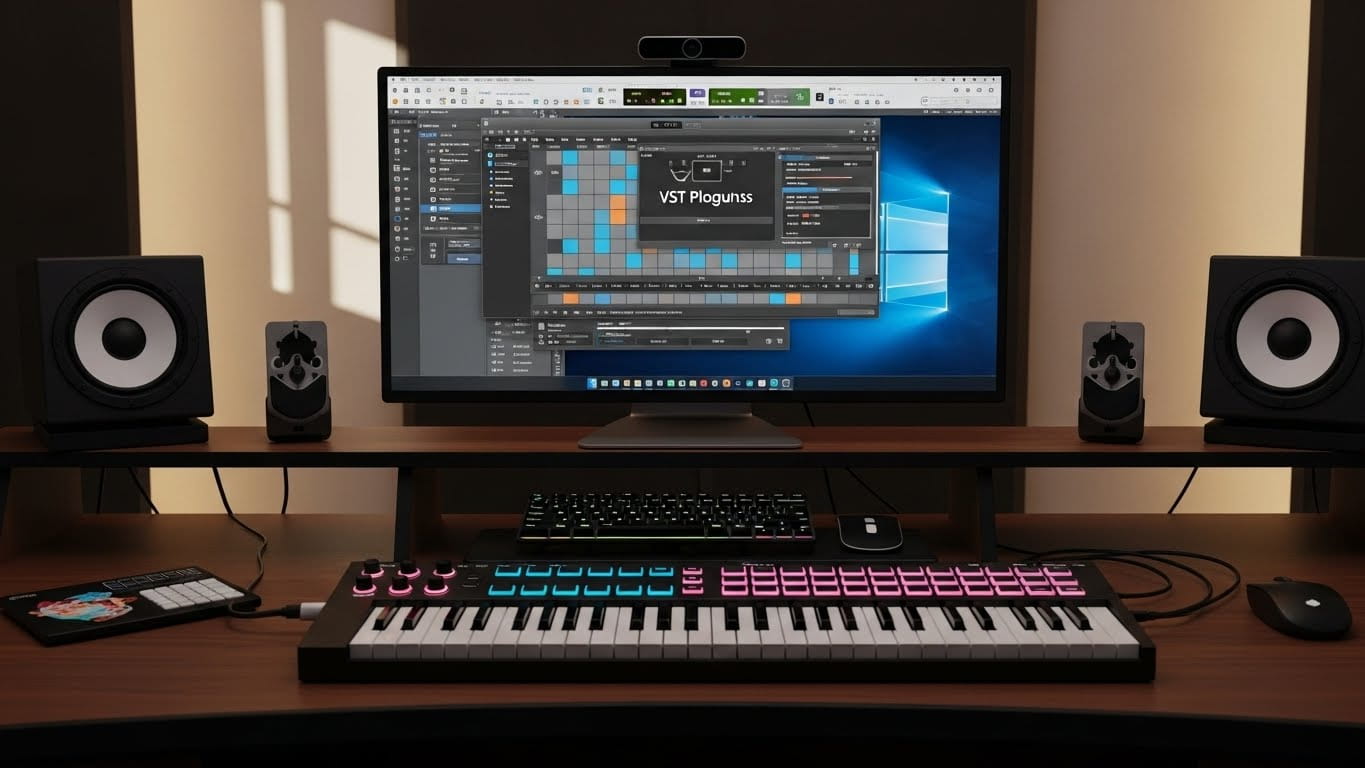
For many years, professional musicians depended on hardware arranger keyboards to create full band accompaniment during live performances. These keyboards were powerful but expensive, heavy, and limited by built-in sound engines. As computers became more reliable and music software more advanced, a new category started gaining attention: software arrangers.
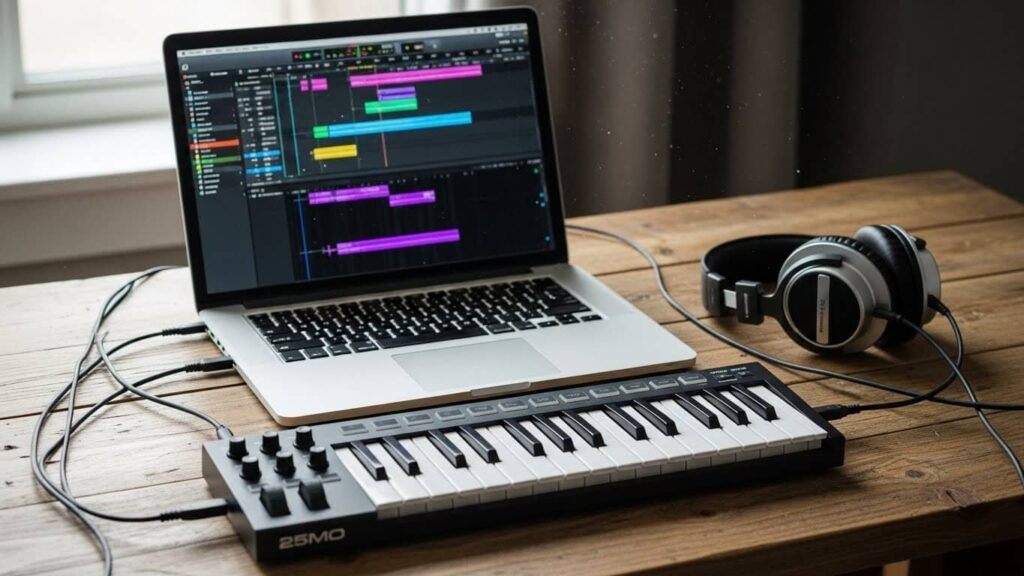
GigLAD 3.8 Full sits at the center of this shift. It offers arranger keyboard functionality inside a computer, allowing musicians to perform live with real-time accompaniment using a MIDI keyboard and software instruments. This approach gives performers more flexibility, better sound quality, and lower cost compared to traditional hardware setups.
This guide explains GigLAD 3.8 in detail, how it works, who it is for, and why many musicians now consider software arrangers a serious alternative to hardware keyboards.
Why Software Arrangers Are Replacing Hardware Keyboards
Hardware arranger keyboards were designed for a time when computers were unreliable on stage. Today, that situation has changed. Modern laptops offer strong CPU performance, fast storage, and stable audio drivers. At the same time, software instruments have reached a level where they often sound better than built-in hardware sounds.
Software arrangers benefit from this evolution. Instead of being locked into one sound engine, musicians can choose their own instruments. They can update sounds easily and adapt their setup for different music styles.
Another reason for this shift is portability. Carrying a laptop and MIDI controller is often easier than transporting a full arranger keyboard. For gigging musicians, this difference matters a lot.
What Is GigLAD 3.8 and Why Musicians Care
GigLAD 3.8 is a software arranger that generates real-time accompaniment based on the chords you play. It listens to MIDI input from a keyboard and automatically creates drums, bass, harmony parts, and additional instruments.
Musicians care about GigLAD because it provides arranger keyboard features without forcing them into a fixed hardware ecosystem. Instead of upgrading hardware every few years, users can upgrade sounds and styles through software.
GigLAD also appeals to musicians who already work with VST instruments and DAWs. It fits naturally into a modern digital music workflow.
How GigLAD Works Under the Hood
At its core, GigLAD is a real-time MIDI processor combined with a style playback engine. When you play chords on a MIDI keyboard, GigLAD analyzes the chord structure and triggers corresponding accompaniment patterns.
Each style contains multiple parts such as drums, bass, chords, and melodic phrases. These parts are arranged to adapt dynamically to the chord changes you play. This happens instantly, which is why proper audio configuration is important for live use.
GigLAD does not generate sound by itself. Instead, it routes MIDI data to sound sources like VST instruments or soundfonts. This design gives users complete control over sound quality and character.
Overview of Features and Sound Libraries
GigLAD includes a large library of preset styles and supports external soundfonts and VST instruments. You can load pianos drums guitars orchestral instruments and synths. The GigLAD manual explains every feature clearly and helps beginners understand the sound engine.
It also supports expansions which makes the sound library grow with new updates.
Real-World Live Performance Workflow
To understand GigLAD properly, it helps to look at a real-world scenario.
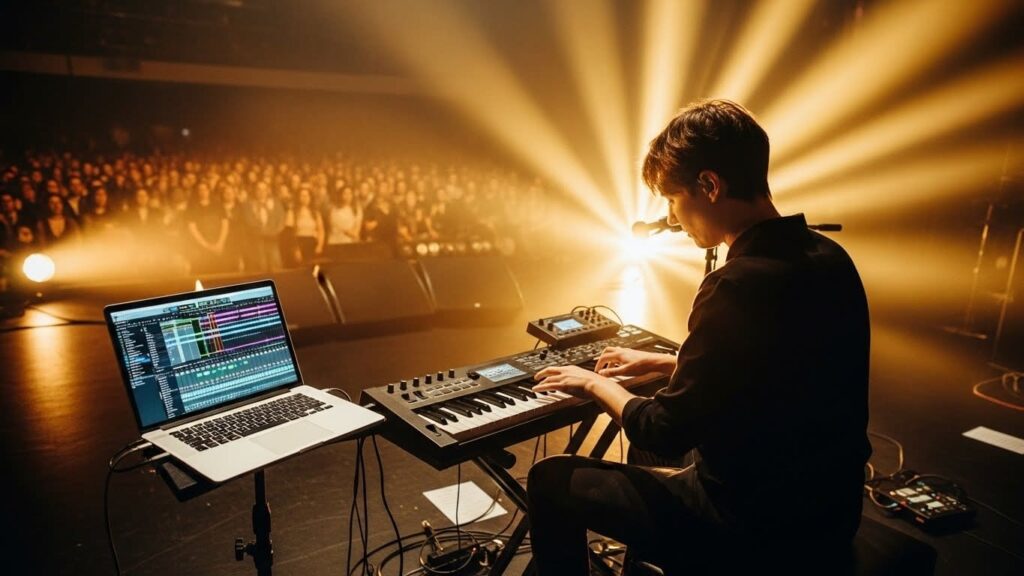
A solo keyboard player performing at weddings uses a laptop, a MIDI keyboard, and an audio interface. Before the show, they load GigLAD and select a few styles that match the event. Each style is connected to lightweight soundfonts for reliability.
During the performance, the left hand plays chords while the right hand handles melody. GigLAD generates drums, bass, and accompaniment in real time. Intros, fills, and endings are triggered using MIDI buttons or foot pedals.
This setup replaces a full band and allows one musician to control the entire arrangement live.
Who Should Use This Software Arranger
GigLAD 3.8 Full is made for:
- Live stage performers
- Home studio musicians
- Church players
- Producers who want arranger features
- Keyboard players who want Yamaha style compatibility
- Users looking for a giglo alternative with more VST support
The software is simple enough for beginners and powerful enough for professionals.
How Does GigLAD 3.8 Full Work for Live Performances
GigLAD creates automatic accompaniment that follows your chords in real time. You play chords on a MIDI keyboard and the software generates drums bass pads and instruments.
MIDI Chord Detection and Style Playback
GigLAD reads MIDI notes played within a defined chord recognition zone. Based on these notes, it determines the chord type and root. The accompaniment engine then adjusts all style parts to match that chord.
Chord detection is designed to be forgiving. Even if notes overlap slightly, GigLAD maintains musical continuity. This is important during fast playing or complex transitions.
Users can customize chord recognition behavior to match their playing style, which helps avoid incorrect chord changes during performance.
Audio Latency and Buffer Settings
Low latency is important for real time playing. GigLAD allows users to adjust buffer sizes through ASIO drivers activador o crack de giglad. A small buffer makes the sound more responsive but needs a good CPU. A larger buffer is safer for slower systems.
This is useful for users who search giglad 3.8 full free download but later face lag issues. The correct buffer settings fix most audio delay problems.
Styles Engine and Yamaha Compatibility Deep Dive
One of the strongest reasons musicians choose GigLAD is its style engine. Styles are the heart of any arranger system because they define how the accompaniment behaves when chords change. GigLAD’s engine is designed to behave like a professional arranger keyboard while remaining flexible enough for modern software workflows.
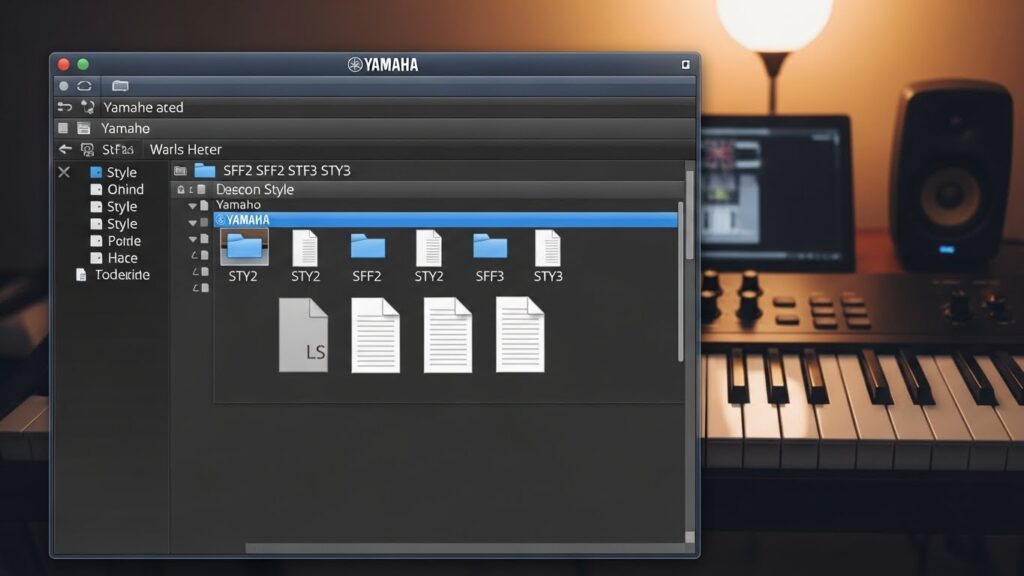
GigLAD supports Yamaha style formats including SFF2 and SFF3. These formats are widely used in hardware arranger keyboards, which means musicians who already own style libraries can continue using them. The software reads these styles correctly and maps the parts to its internal routing system.
Each style contains multiple sections such as intros, main variations, fills, breaks, and endings. During performance, these sections can be triggered in real time. The transition between sections is smooth and musical, which is critical for live playing.
Unlike hardware arrangers, GigLAD allows users to decide how each style part is voiced. Drums, bass, and harmony parts are not locked to specific sounds. This freedom is what makes the software attractive to advanced users.
Key Features of GigLAD 3.8 Full Professional Software Arranger
GigLAD 3.8 Full comes with many modern features that help beginners and professionals perform better.
- The tool includes a full style engine that works similar to Yamaha arranger keyboards.
- It supports Yamaha style formats which makes it easy to import SFF2 and SFF3 patterns legally. People searching terms like giglad alternative often want tools with similar features.
- The software offers style editing chord recognition mixing tools and multi channel MIDI routing.
- It also includes a strong sound engine where you can load VST plugins soundfonts drums and orchestral packs.
- GigLAD also includes a powerful mixer panel to adjust reverb chorus delays compression or equalizers.
The GigLAD Manual explains everything in detail and helps beginners understand each option.
Creating and Editing Custom Styles in Detail
GigLAD includes a dedicated style editor that allows musicians to go far beyond preset styles. This editor is designed for users who want full control over rhythm patterns and arrangement behavior.
Users can create styles from scratch or modify existing ones. Each style section can be edited individually. This includes drum patterns, bass movement, chord voicings, and melodic phrases. MIDI files can be imported and adapted into style parts.
The editor also supports velocity editing, timing adjustment, swing control, and instrument layering. These tools allow musicians to fine-tune how styles react to their playing dynamics.
For performers who want a unique sound, custom styles make a huge difference. Instead of sounding like every other arranger player, musicians can build patterns that reflect their personal style and genre preferences.
VST Instruments Soundfonts and Audio Routing
GigLAD does not limit users to a built-in sound engine. Instead, it sends MIDI data to external sound sources. This design choice is one of its biggest strengths.
Users can load VST instruments such as pianos, drums, strings, brass, and synthesizers. Soundfonts are also supported and are especially popular for live performance because they are lightweight and fast to load.
Each accompaniment part can be routed to a different instrument. Drums can be sent to one plugin, bass to another, and harmony parts to separate sound sources. This level of routing control is rarely available on hardware arranger keyboards.
Audio routing also allows performers to send different parts to separate outputs. This is useful in live environments where a sound engineer needs independent control over drums, bass, and other instruments.
GigLAD 3.8 Full System Requirements and Compatibility
GigLAD is lightweight but still needs good hardware for professional work. The minimum requirements include a multi core processor and 4GB RAM but for smooth performance 8GB or more is better. The software works on Windows and can be used on Mac through virtualization. People searching online for terms like giglad 3.8 full free download often do not check requirements first and later face performance issues.
If the user plans to run multiple VST plugins heavy soundfonts or orchestral libraries then using SSD storage and a dedicated sound interface is recommended. This prevents lag during live shows.
Latency CPU Optimization and Live Stability
Live performance demands stability. Even the best software becomes unusable if latency or CPU spikes interrupt playing. GigLAD is designed to work efficiently, but proper setup is essential.
Low latency is achieved through ASIO audio drivers. These drivers allow direct communication between the software and the audio interface. Buffer size plays a key role. Smaller buffer sizes reduce delay but increase CPU load. Larger buffers are more stable but feel less responsive.
For live use, many musicians choose a balanced buffer setting that feels responsive without risking dropouts. Lightweight soundfonts are often preferred on stage because they use fewer system resources.
CPU optimization also involves disabling unnecessary background processes and avoiding overly complex plugin chains. A stable system setup is more important than extreme sound quality during live performance.
Creating Custom Styles in GigLAD 3.8 Full Style Editor
GigLAD 3.8 includes a full style editor that helps users create unique rhythms and patterns. You can design intros fills endings and main variations. The style editor supports WAV samples MIDI files and imported Yamaha formats. This is also helpful for users searching for giglad alternative because many other arrangers do not offer this level of control in style editing.
Musicians can also tweak velocity tempo swing and instrument layers to create personal performance styles. These styles work in real time during shows which helps performers stand out.
Configuring MIDI and Audio Inputs
- Inside settings select your MIDI keyboard from the input list.
- Choose ASIO as your audio driver for best performance.
- Adjust buffer settings until latency is smooth.
- GigLAD Remote can also be configured for hands free control.
Using GigLAD in Studio Production
Although GigLAD is often associated with live performance, it is also useful in studio environments. Producers can use it as a real-time arrangement tool to build full backing tracks quickly.
GigLAD can route MIDI output to a digital audio workstation. This allows producers to record each accompaniment part on separate tracks. Once recorded, these parts can be edited further or replaced with higher quality instruments.
This workflow is especially useful for songwriting and demo production. Instead of programming drum and bass parts manually, producers can generate musical arrangements instantly and refine them later.
GigLAD fits well into hybrid workflows where live performance tools and studio production overlap.
GigLAD 3.8 Full vs Yamaha Arranger Keyboards Comparison
GigLAD 3.8 Full is compared frequently with Yamaha arranger keyboards like PSR SX900 or Genos. Many users want software version features usually found in expensive keyboards. When people search for giglad 3.8 full they often want to know if it can replace hardware.
GigLAD offers more flexibility because it supports unlimited VST instruments while Yamaha keyboards use fixed sound engines. However Yamaha offers better physical controls and reliability. GigLAD is more affordable and easier to update.
| Feature | GigLAD 3.8 Full | Yamaha Arranger Keyboards |
| Platform | Windows PC | Hardware keyboard |
| Cost | Affordable | Expensive |
| Sound Engine | VST and Soundfonts | Built in Yamaha sound engine |
| Styles | SFF2 and SFF3 supported | Native |
| Customization | Unlimited | Limited |
| Updates | Regular software updates | Firmware only |
| Portability | Requires laptop | Standalone |
GigLAD wins in flexibility while Yamaha wins in stability and physical controls.
System Requirements and Performance Tuning
GigLAD runs efficiently on modern systems, but performance depends heavily on how it is used.
A multi-core processor helps handle real-time MIDI processing and plugin hosting. RAM requirements increase when using large VST libraries. Solid-state storage improves load times and reduces glitches.
Performance tuning includes choosing appropriate instruments, managing buffer size, and organizing VST folders efficiently. Musicians who focus on live use often prioritize stability over maximum sound quality.
With proper tuning, GigLAD can run reliably for long performances without interruption.
Installation Licensing and Offline Use
GigLAD installation is straightforward when done through official sources. The installer guides users through setup and plugin scanning.
License activation unlocks the full feature set. Once activated, the software works completely offline. This is important for musicians who perform in venues with limited or unreliable internet access.
Offline operation also improves reliability during live shows because the system does not depend on external services.
Pros and Cons of Using GigLAD 3.8 Full for Musicians
GigLAD offers many strengths, but it also has limitations that users should understand.
Pros
- Real-time arranger functionality
- Support for VST instruments and soundfonts
- Yamaha style compatibility
- Lower cost than hardware arrangers
- Flexible live and studio workflows
Cons
- Requires careful system setup
- Learning curve for new users
- Depends on computer stability
Being aware of these points helps musicians decide whether GigLAD fits their needs.
GigLAD vs Hardware Arranger Keyboards in Real Use
Comparing GigLAD to hardware arranger keyboards requires looking beyond specifications. Hardware keyboards offer physical controls, built-in sounds, and a self-contained design. They are reliable and easy to use.
GigLAD offers flexibility. Users can change sounds, styles, and workflows without replacing hardware. Software updates improve functionality over time rather than requiring new purchases.
For musicians who enjoy customization and modern workflows, GigLAD offers advantages. For those who prefer simplicity and physical interfaces, hardware keyboards may still feel more comfortable.
The choice depends on performance style, technical comfort, and musical goals.
Who Should and Should Not Use GigLAD
GigLAD is ideal for musicians who enjoy control and customization. It suits solo performers, worship musicians, and producers who want fast arrangement tools.
It may not be suitable for musicians who prefer simple plug-and-play hardware without dealing with software configuration. Users who are uncomfortable managing audio drivers and plugins may find hardware arrangers easier.
Common Mistakes New Users Make
- Many new users expect perfect performance without proper setup. One common mistake is using heavy VST libraries during live performance. This increases CPU load and risk of glitches.
- Another mistake is ignoring buffer settings. Incorrect buffer size can cause noticeable latency or audio dropouts.
- Spending time on initial configuration prevents most performance problems and leads to a smoother experience.
Final Verdict
GigLAD 3.8 is a powerful and flexible software arranger that brings professional accompaniment tools to a computer-based setup. It works well for live performance and studio production when properly configured.
For musicians who want arranger keyboard features without hardware limitations, GigLAD offers a modern and practical solution.
FAQs
Can I use GigLAD on two computers?
Yes you can use GigLAD on two systems but it depends on the license agreement you receive from the developer. Most GigLAD licenses allow activation on one primary machine and sometimes one backup machine.
Does GigLAD support multiple audio outputs?
Yes GigLAD supports multi output audio interfaces. If your audio device offers several output channels you can route drums bass pads and instruments separately. This is very useful for live shows because the sound engineer can control each part individually.
Is GigLAD better than hardware arrangers for beginners?
Yes GigLAD is often a better choice for beginners because it costs less than hardware arranger keyboards and still provides advanced features. It allows new users to learn chord recognition style control and VST instruments without buying expensive gear.
Can GigLAD run on old computers?
GigLAD can run on older devices but performance may not be smooth. Older systems may create latency dropouts or lag especially when using heavy VST instruments. For safe live performance a newer processor SSD storage and minimum 8GB RAM is recommended. Light soundfonts work fine on older computers but orchestral VSTs need stronger hardware.
Does GigLAD work offline?
Yes GigLAD works completely offline after activation. You do not need internet while performing or recording. This is especially useful for stage players church musicians and event performers who work in places with slow or unstable internet.
Can I use GigLAD for studio recording?
Yes GigLAD is a strong tool for studio recording because it supports MIDI routing VST plugins and soundfonts. You can send MIDI tracks into your DAW record each instrument separately and use GigLAD as a real time arranger engine. This helps producers create quick demos background tracks and full arrangements.
Is there a mobile version of GigLAD?
No there is no mobile or Android version of GigLAD. The software is designed for Windows computers because it requires a stable ASIO audio driver and MIDI support. You can however use a tablet as a remote controller through GigLAD Remote but the main program runs only on PC.
Does GigLAD support external sample packs?
Yes GigLAD supports external sample packs through WAV files soundfonts and VST sample engines. You can import drums loops instrument samples or create your own style layers. This makes GigLAD more flexible than many hardware arrangers that cannot load external samples.






2 Comments